Key features
- Frame-accurate demo recording and playback across vanilla, Boom, MBF, and MBF21 compatibility levels
- Full complevel system replicating game logic from vanilla Doom through MBF21 without desynch
- Support for Heretic and Hexen IWADs in addition to the Doom series
- UDMF (Universal Doom Map Format) support for modern community maps
- MAPINFO lump support for episode and map metadata declarations
- Doom-in-Hexen format map support
- Reworked temporary game modifiers that do not persist across sessions (v0.29.4)
- Freelook permitted inside DSDA-format demo recordings (v0.29.4)
- Widescreen RAW image format support (v0.29.4)
- SDL-based cross-platform architecture inherited from PrBoom+
- Both software and OpenGL renderers are actively maintained, with the software renderer historically serving as the baseline for classic visual fidelity
What is DSDA-Doom?
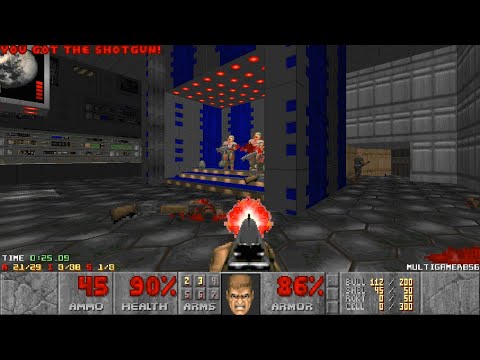
DSDA-Doom makes its priorities obvious the moment you start recording or watching a demo: every tic matters. Its frame-accurate recording and playback, complevel system, speedrunning tools, and support for everything from vanilla through MBF21 make it feel less like a general-purpose Doom port and more like a precision instrument for verifying exactly what happened in a run. It began as a fork of PrBoom+, but it was developed with a different purpose in mind, deliberately removing features that did not serve its focus on speedrunning and demo playback rather than trying to preserve PrBoom+ wholesale. At the same time, UDMF support and both software and OpenGL renderers give it practical flexibility for modern community maps. The interface stays relatively restrained, but that is part of the appeal: when you load a competition WAD at the complevel its author intended, DSDA-Doom keeps the focus on the game and the demo rather than getting in the way.
Origins and lineage
The port takes its name from the Doom Speed Demos Archive (DSDA), the long-running community repository that catalogs verified Doom speedruns. The original developer, known online as kraflab, built DSDA-Doom as a fork of PrBoom+ with an explicit goal: give competitive runners a single binary that could both record demos to the highest fidelity and play them back with auditable correctness, while gradually adding quality-of-life improvements that vanilla PrBoom+ had never received.
PrBoom+ itself descends from a long chain: the original PrBoom project extended the Boom source-port (id Software lineage → Boom → PrBoom → PrBoom+), and every link in that chain treated demo compatibility as a first-class feature. DSDA-Doom carries that demo-compatibility ethos forward, but not the rest of PrBoom+’s feature set. According to DoomWiki, DSDA-Doom was never meant as a direct successor, and features that didn’t serve its speedrunning focus were stripped out along the way. What it did keep, and build on, is the complevel system — numbering compatibility levels from vanilla Doom through MBF21 — which allows the port to emulate the exact game logic of a given era, making demos recorded under one complevel reproducible on any machine running the same complevel without drift or desynch.
Maintainership transition
On November 11, 2024, kraflab announced his retirement from active maintenance of the project. Stewardship passed to a trio of experienced contributors: Fabian Greffrath, Roman Fomin (rfomin), and Pedro Beirão. The transition was documented on the Doom Wiki and reflected in the project’s GitHub repository, where the new maintainers have continued to issue regular releases, most recently v0.29.4 on September 26, 2025.
Feature set and scope expansion
DSDA-Doom began life as a demo-tooling project but has grown considerably in scope. The GitHub repository’s own description frames it as “a successor of prboom+ with many new features,” and the release history bears that out. Beyond the core Doom II experience that PrBoom+ covered, DSDA-Doom has progressively extended engine compatibility to include:
- Heretic — the 1994 Raven Software title sharing Doom’s engine
- Hexen — the 1995 follow-up with hub-based maps and scripted specials
- MBF21 —a specification developed collaboratively by the community in 2021 that builds on Boom and MBF, specifically aimed at mod authors and mods in general
- Doom-in-Hexen format — the hybrid map format that brings Hexen-style action specials to Doom-namespace maps
- UDMF — the Universal Doom Map Format, enabling richer per-vertex and per-sidedef data in modern maps
- MAPINFO — the lump standard for declaring episode and map metadata outside the game executable
- DEHEXTRA — an extension to the DeHackEd patch format that raises or removes many of the hardcoded limits on things, states, sprites, and sounds
- DSDHacked — DSDA-Doom’s own further extension of DeHackEd limit-removal, building on DEHEXTRA to allow even more dynamic allocation of engine-internal tables
Each of these additions was approached conservatively: the intent is that enabling any of them does not break the port’s core demo-compatibility guarantee for the complevel in use. This philosophy distinguishes DSDA-Doom from ports that treat compatibility as a legacy mode to be minimized.
Speedrunning tooling
The speedrunning infrastructure is what sets DSDA-Doom apart from its PrBoom+ ancestor most visibly. The DSDA archive’s own guide describes DSDA-Doom as “compatible with the vast majority of wads that see competition,” and the port includes dedicated tooling to support that use-case:
- Frame-accurate demo recording and playback across all supported complevels
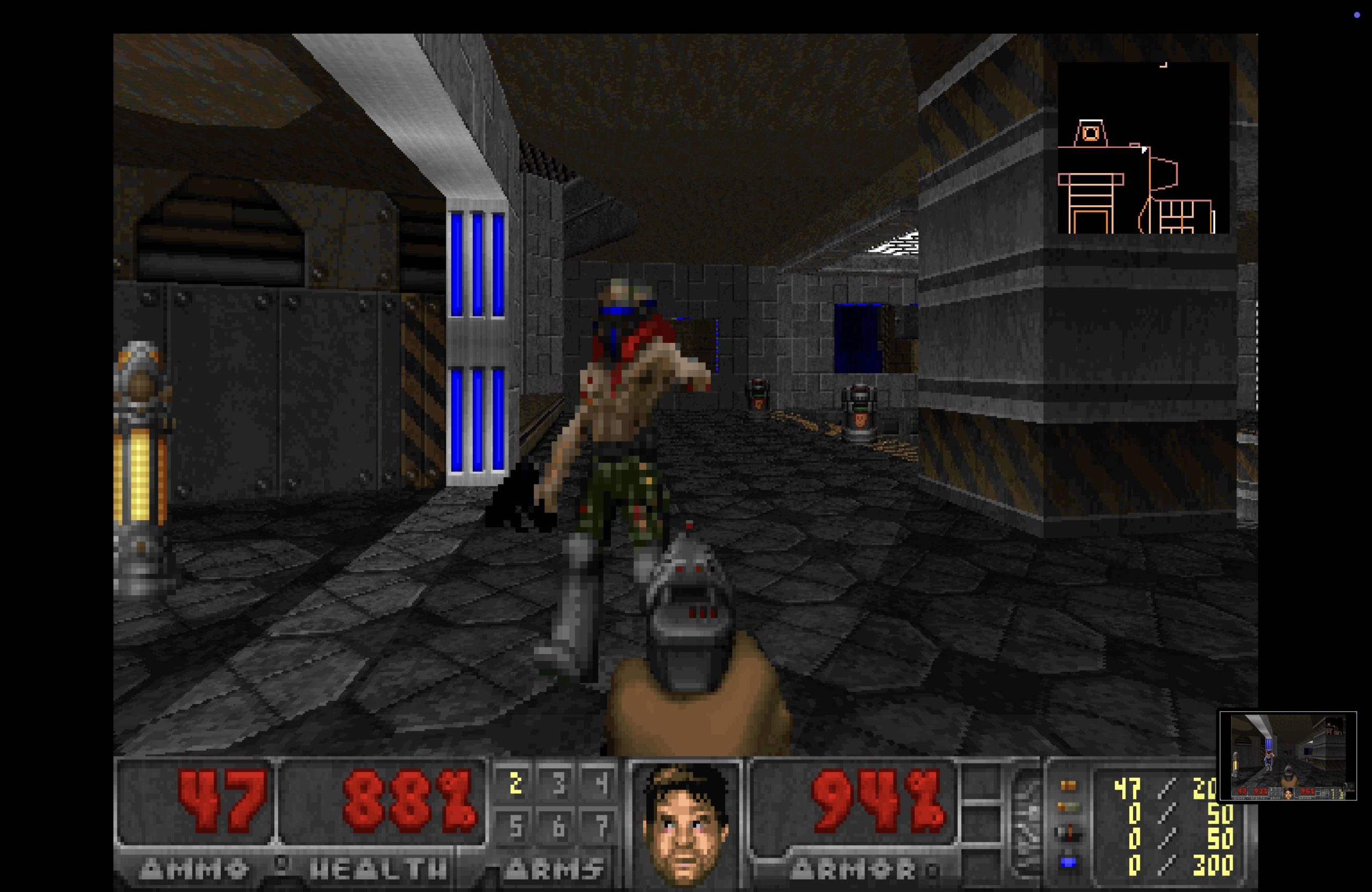
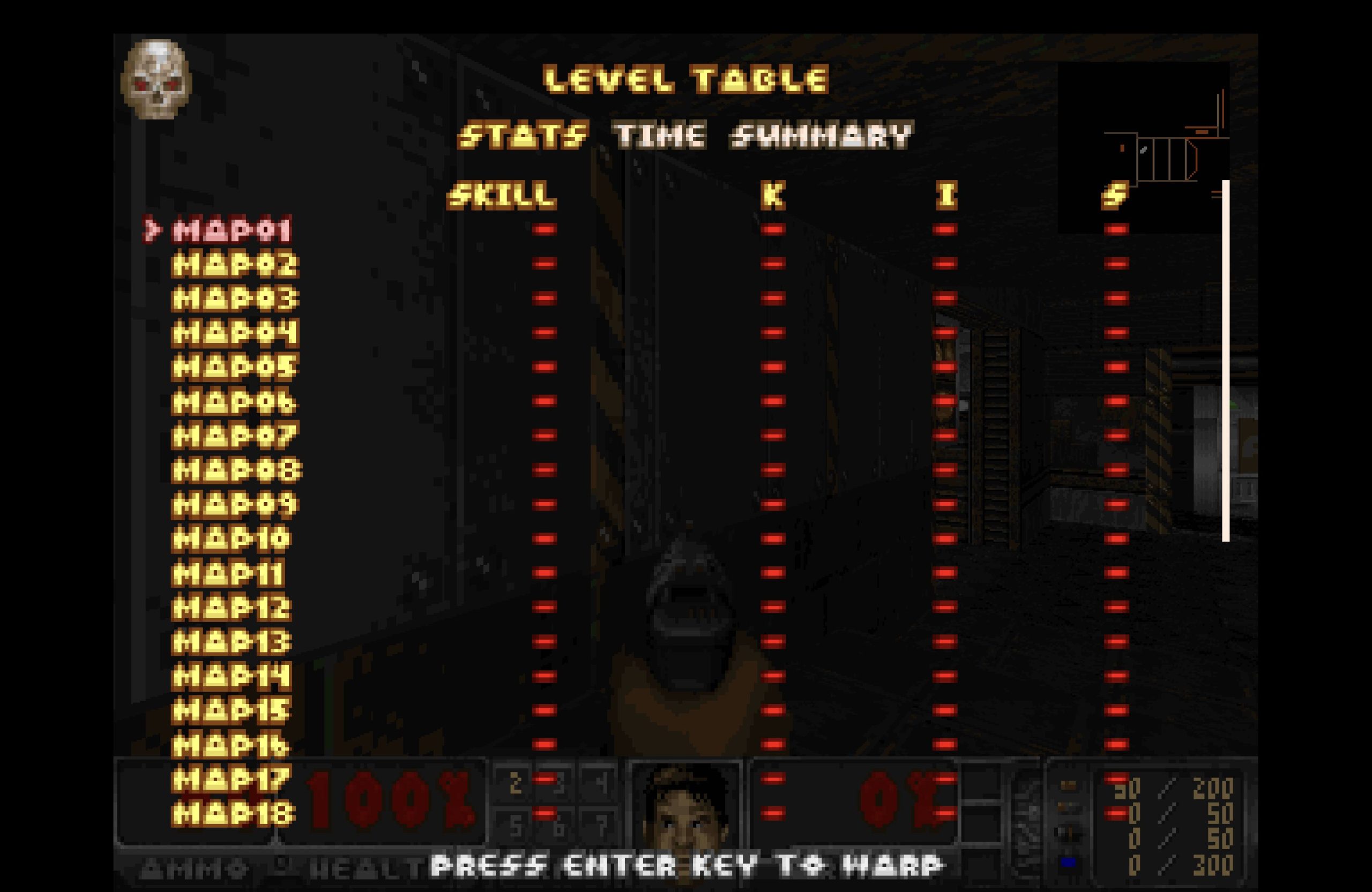
- Built-in statistics overlays and time-tracking facilities useful during practice sessions
- Game-modifier controls that, as of v0.29.4, have been reworked to be temporary — modifiers no longer permanently alter configuration state
- Freelook support inside DSDA-format demo recordings, added in v0.29.4
- Widescreen RAW format support, also introduced in v0.29.4
The demo archive integration is not merely cosmetic. Runners submitting to DSDA are expected to use DSDA-Doom as their reference port, and the archive’s verification tooling is calibrated against it. This creates a feedback loop: bugs that affect demo reproducibility are treated as release-blockers, not minor paperwork.
Renderer and technical architecture
Like its PrBoom+ ancestor, DSDA-Doom uses SDL for platform abstraction, which has historically meant good portability across Windows, Linux, and Unix-like systems. The software renderer remains the primary rendering path — this is consistent with the port’s demo-accuracy mandate, since a software renderer operating on integer math produces identical pixel-level output across platforms given the same input. An OpenGL renderer is present (inherited from PrBoom+) but the software path is the reference.
Because the port sits in the Boom/MBF lineage and maintains demo compatibility as a headline feature, it is classified as a Boom compatible port — not a “modern” port in the sense of GZDoom or Zandronum. ZScript, DECORATE classes, and hardware-renderer-first features are not part of DSDA-Doom’s design surface.
WAD compatibility and IWAD support
DSDA-Doom requires an IWAD to launch. The port supports the following IWADs: Doom, Doom II: Hell on Earth, Heretic, Hexen, Ultimate Doom, Final Doom, Chex Quest, HacX, and Freedoom variants without special handling. The DOOMWADDIR and DOOMWADPATH environment variables — documented in community resources — allow users to point the port at a custom IWAD directory, and the port searches both paths for IWADs and PWADs. Most community WADs that target Boom, MBF, MBF21, or vanilla compatibility levels are compatible, which encompasses the substantial majority of wads hosted on the DSDA archive and major idgames repositories.
Community and ecosystem position
Within the broader source-port ecosystem, DSDA-Doom occupies the position once held by PrBoom+ as the de facto competition and demo-accuracy port. It coexists with sibling ports in the Boom/MBF family: Woof! (which grew out of WinMBF, the MBF codebase, rather than PrBoom+ directly — though PrBoom+ is cited as one of its influences) takes a somewhat different direction, emphasizing UI modernization and accessibility for casual players, while DSDA-Doom keeps its focus on runner tooling and strict compat. The Eternity Engine is a parallel, independent branch off the same Boom/MBF root — not a descendant of PrBoom+ — that extends toward advanced ACS scripting and its own extended map formats, while still maintaining demo-compat modes similar to PrBoom+’s. For players coming from GZDoom who want to run classic competition WADs “correctly” — that is, at the complevel the author intended — DSDA-Doom is the standard recommendation. It also serves as a useful reference for mappers testing Boom or MBF21 content, since its compliance with those standards is well-validated by the speedrunning community.
Installation overview
DSDA-Doom is distributed as pre-built binaries for Windows and Linux via its GitHub Releases page, alongside full source code under its open-source license. Users on other platforms may build from source; the project uses CMake (minimum version 3.17 as of recent releases) as its build system. An IWAD — such as doom2.wad or doom.wad — must be present in the working directory, in DOOMWADDIR, or on the DOOMWADPATH before launching.
Recent development (v0.29.x)
The v0.29.4 release, published on September 26, 2025, contains several notable changes logged in the release notes on GitHub:
- Freelook is now permitted inside DSDA-format demo recordings
- Game modifiers have been reworked to be temporary rather than persistent
- Support for widescreen RAW format images was added
- The minimum CMake version requirement was bumped to 3.17 (contributed by FtZPetruska)
- The libopenmpt dependency was dropped
These changes reflect the ongoing dual mandate of the project: extending features carefully while keeping the core demo and compatibility machinery intact.
Related ports
Users interested in the Boom/MBF compatibility space may also want to evaluate Woof!, which continues the Boom/MBF bloodline independently (citing PrBoom+ as an influence rather than a direct ancestor) but prioritizes a different user experience, and Crispy Doom targets vanilla-only accuracy with limit-removing extensions — it’s a Chocolate Doom fork that deliberately does not support Boom or ZDoom maps, distinguishing it from the Boom/MBF-compatible ports. For players who want ZScript moddability and a hardware-renderer-first experience, GZDoom serves that need — though with a different set of tradeoffs around demo compatibility and vanilla fidelity.
How to install DSDA-Doom
// From zero to playing — step by stepObtain an IWAD
DSDA-Doom requires a commercial IWAD such as doom.wad, doom2.wad, heretic.wad, or hexen.wad. Place it in the same directory as the port executable, or set the DOOMWADDIR / DOOMWADPATH environment variable to point at a directory containing your IWADs.
Download the latest release
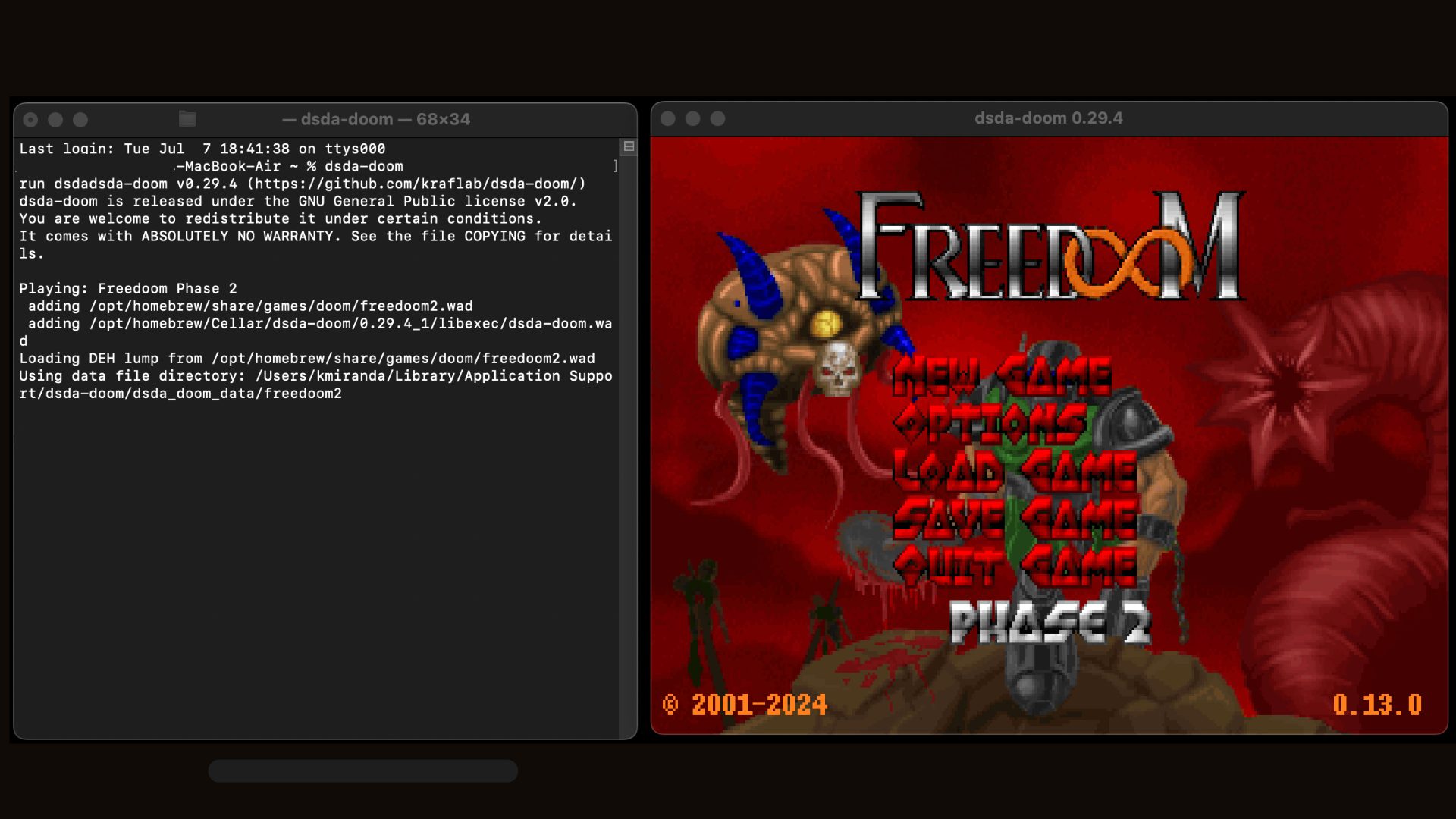
Visit the GitHub Releases page and download the pre-built archive for your platform (Windows or Linux). Extract the archive to a folder of your choice. macOS users can download and install via Homebrew. See our full guide for more details.
Launch the port
Run the dsda-doom executable from the extracted folder. On first launch the port will search for an IWAD in the current directory and any paths defined in your environment. Use the -iwad flag on the command line to specify an IWAD explicitly if needed.
Set a compatibility level
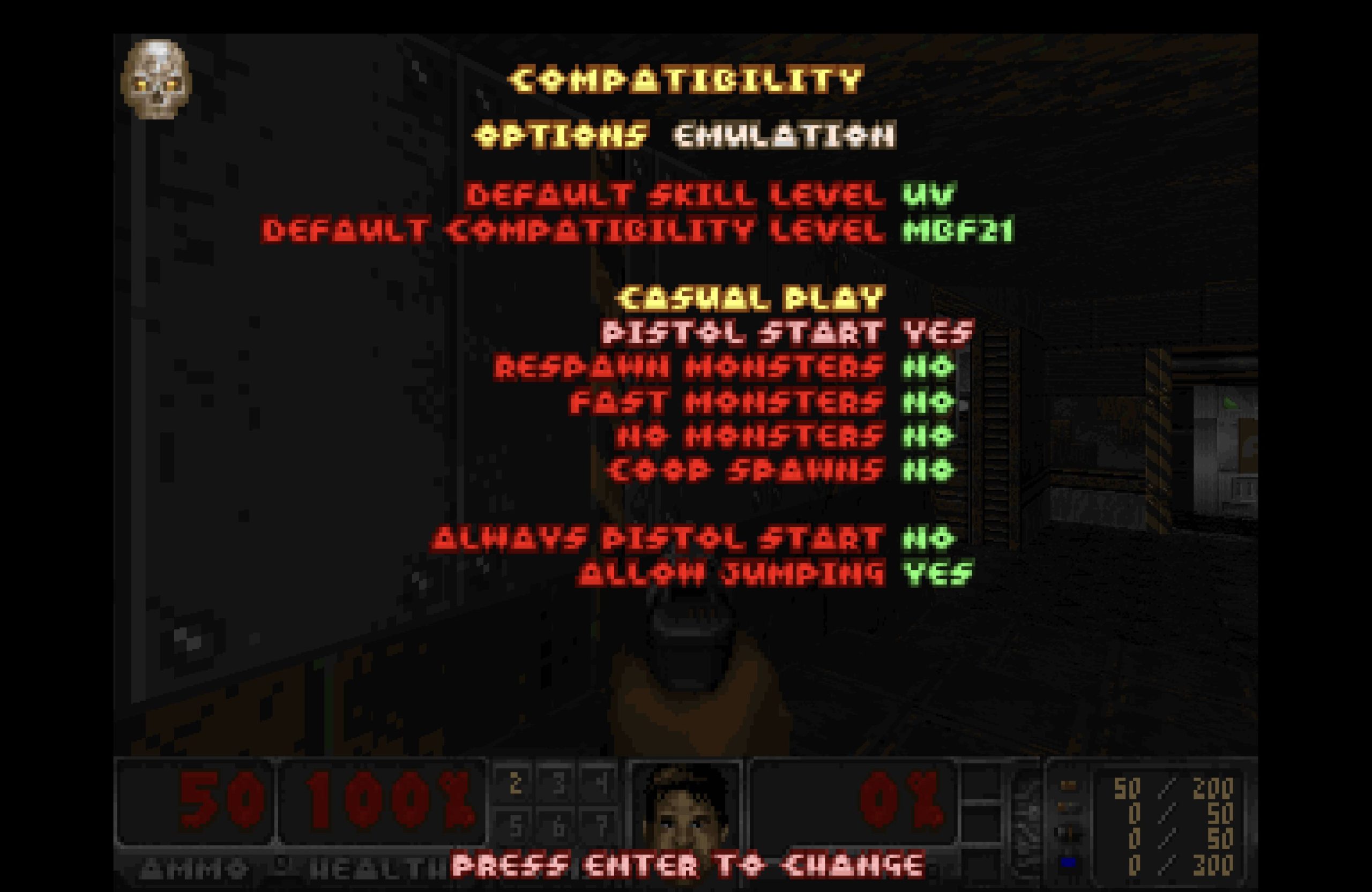
Use the -complevel command-line parameter (or the corresponding in-game menu option) to select the appropriate compatibility level for the WAD you are playing. Consult the WAD’s readme or the DSDA archive guide for the intended complevel.
Record or play back a demo
To record a demo, use -record <demoname>. To play back an existing demo, use -playdemo <demofile>. Ensure the complevel matches the one used during recording to prevent desynch.
DSDA-Doom system requirements
DSDA-Doom vs other source ports
Need to pick between ports?
Short version: DSDA-Doom handles most needs. For the full comparison and our ranked list, see the dedicated pages.
Frequently asked questions
What is DSDA-Doom and how does it differ from GZDoom?
DSDA-Doom is a Boom/MBF-lineage port descended from PrBoom+ with a focus on demo-accurate speedrunning. Unlike GZDoom, it does not use ZScript or a hardware-renderer-first approach; its complevel system reproduces Doom’s original game logic at the simulation level — independent of which renderer (software or OpenGL) is used to display it — making demos portable and verifiable across machines
Who maintains DSDA-Doom now?
As documented on the Doom Wiki, the original developer kraflab stepped down on November 11, 2024. Current maintainers are Fabian Greffrath, Roman Fomin (rfomin), and Pedro Beirão.
Which IWADs does DSDA-Doom support?
DSDA-Doom supports Doom, Doom II, Heretic, and Hexen IWADs. The port also supports alternate/free IWADs like Freedoom, Chex Quest, or HacX. See the DSDA archive guide for details on IWAD handling.
What does the complevel system do?
The complevel (compatibility level) parameter tells DSDA-Doom which era of Doom game logic to emulate — from vanilla Doom through Boom, MBF, and MBF21. Setting the correct complevel ensures that demos record and play back without desynch, and that maps behave as their authors intended.
Can I play UDMF maps in DSDA-Doom?
Yes. DSDA-Doom includes UDMF (Universal Doom Map Format) support, as noted in the project’s own GitHub description. This allows it to load modern maps that use per-vertex and per-sidedef data beyond classic Doom map formats.
Is DSDA-Doom available on Linux?
Yes. Pre-built Linux binaries are distributed on the GitHub Releases page. The port can also be built from source on Linux using CMake (minimum version 3.17).
What changed in v0.29.4?
Version v0.29.4 (released September 26, 2025) added freelook support inside DSDA-format demo recordings, reworked game modifiers to be temporary rather than persistent, added widescreen RAW image format support, bumped the minimum CMake version to 3.17, and dropped the libopenmpt dependency.
How does DSDA-Doom relate to Woof?
DSDA-Doom and Woof! are both part of the Boom/MBF family of source ports, though their lineages differ: DSDA-Doom is a direct descendant of PrBoom+, while Woof! grew out of WinMBF (a port of the original MBF) and only cites PrBoom+ as one of its influences. DSDA-Doom focuses on demo-accuracy, speedrunning tooling, and extended compatibility levels, while Woof! emphasizes UI modernisation and accessibility for casual players.
Sources
- EXT DSDA-Doom GitHub repository github.com
- EXT DSDA-Doom releases (v0.29.4) github.com
- EXT DSDA-Doom — Doom Wiki doomwiki.org
- EXT DSDA archive — DSDA-Doom guide dsdarchive.com
- EXT Doomworld forum — DSDA-Doom v0.29.4 release thread www.doomworld.com