Key features
- Limit-removing engine: removes the static visplane, drawseg, and other hard caps present in the original DOS executable, allowing maps authored for limit-removing targets to run without overflow crashes.
- 640×400 internal resolution & Truecolor support: doubles the vanilla 320×200 framebuffer in both axes using a pure software renderer, while adding an optional Truecolor (32-bit) color mode to deliver crisp visuals and smooth lighting transitions without replacing the original rendering pipeline.
- Forked from Chocolate Doom: inherits Chocolate Doom's vanilla-accurate emulation layer, including demo-compatible timing and behavior.
- Windows x86 and x64 binaries: pre-built releases are available for both 32-bit and 64-bit Windows editions via the GitHub releases page.
- Multi-game support: provides separate executables for Doom, Heretic, Hexen, and Strife (crispy-doom, crispy-heretic, crispy-hexen, crispy-strife).
- macOS via MacPorts and Homebrew: installable with
brew install crispy-doomorsudo port install crispy-doom. - GPL-2.0 open source: full source code is available on GitHub under the GNU General Public License version 2.0.
- Automated Windows builds from v6.0: Windows release binaries are automatically compiled using MSYS2 from version 6.0 onward.
What is Crispy Doom?
Crispy Doom occupies a precise and deliberate niche in the ecosystem of Doom source ports. It does not attempt to be a general-purpose feature showcase, nor does it abandon the careful vanilla-fidelity philosophy of its parent project. Instead, it identifies a single sharp boundary — the artificial engine limits that cap map complexity in the original executable — and removes them, then stops. Everything else is kept as close to the 1993–1994 DOS experience as the project’s design allows. That restraint is the point.
Origins and Design Philosophy
Crispy Doom is a fork of Chocolate Doom itself, the reference implementation for vanilla-accurate Doom emulation. Chocolate Doom’s project goal is to reproduce the original DOS executable so faithfully that it can play back vanilla demo files without desync. Fabian Greffrath, the developer and current maintainer of Crispy Doom, took that codebase as a foundation and asked a different question: what if you kept all of that accuracy but doubled the rendering resolution and lifted the static engine limits that prevent large maps from loading?
The name communicates the answer directly. The internal rendering resolution of 640×400 — exactly double the original 320×200 in both axes — makes pixel-level detail appear crisp rather than chunky when displayed on modern monitors. The name is both a description of the visual result and a reminder that the project is primarily about clarity, not transformation.
The Doom Wiki describes the port as a limit-removing enhanced-resolution Doom source port based on Chocolate Doom
, a phrase that doubles as a near-complete feature statement. The project does not pursue OpenGL rendering, scripting languages, or extended modding APIs. Its scope is defined by what it removes (hard limits, low resolution) rather than what it adds.
What “Limit-Removing” Means
The term “limit-removing” has a specific technical meaning in the Doom community that is worth unpacking. The original Doom engine was designed in the early 1990s for hardware with very constrained memory and processing power. To ship a playable game, id Software hardcoded a set of upper bounds on the number of visible planes (visplanes), drawable segments (drawsegs), and other rendering objects that could be active in a single frame. These limits were not fundamental architectural constraints — they were practical compromises. A map that pushes past them causes the engine to crash or display graphical glitches, a behavior known in the community as a visplane overflow
or tutti-frutti effect
.
A limit-removing port expands or eliminates those caps so that maps authored for limit-removing vanilla targets can load and run correctly, while still behaving in all other respects as the vanilla engine would. This is distinct from a Boom-compatible port, which adds gameplay and map-format features from the Boom source release, and from a modern port, which replaces the renderer and scripting systems entirely. Crispy Doom sits at the boundary between vanilla and limit-removing: it plays vanilla maps correctly, plays limit-removing maps correctly, but does not attempt to support Boom special line types, generalized sectors, or extended map formats.
Enhanced Resolution and Rendering
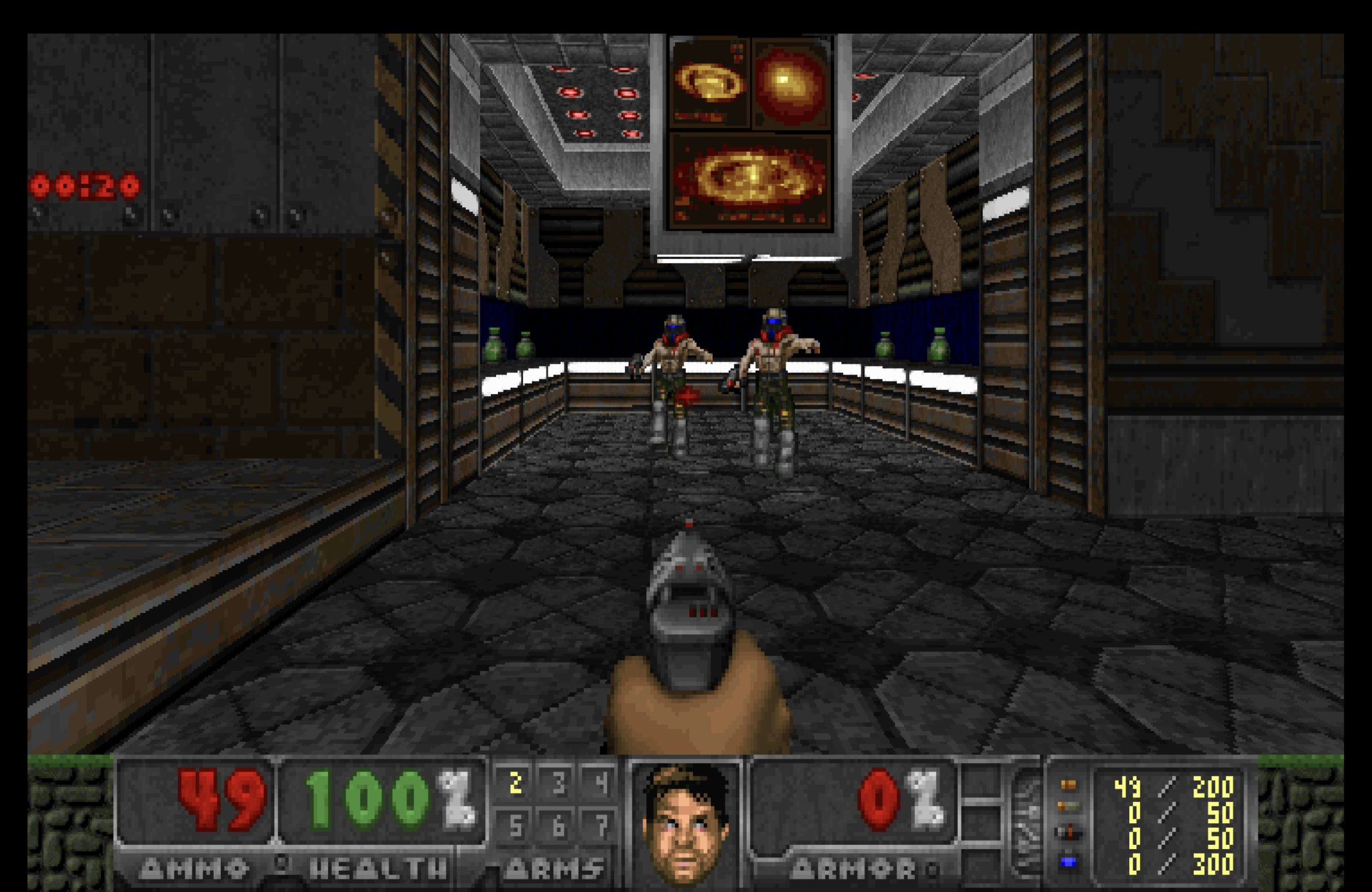
The 640×400 internal resolution is Crispy Doom’s most immediately visible feature. The original software renderer computes everything at 320×200 and then scales that framebuffer up to fill the display. At 320×200, individual pixels are large enough to be clearly visible as blocks on a 1080p or 4K monitor. By computing the framebuffer at 640×400, Crispy Doom halves the apparent pixel size without changing the renderer’s fundamental character. It remains a CPU-driven software renderer utilizing standard column-major rendering logic, but it expands upon vanilla constraints by introducing an optional Truecolor (32-bit color depth) rendering mode. This optional feature bypasses the original engine’s restrictive 8-bit color palettes to produce completely smooth lighting gradients and color transitions, all while keeping the fundamental visual identity of the 1993 engine fully intact.
This approach contrasts with hardware-accelerated ports that replace the renderer entirely. There is no OpenGL context, no Vulkan pipeline, no texture filtering or dynamic lighting. The visual output of Crispy Doom looks like Doom drawn at a higher precision, not like a modern game engine running Doom assets.
Relationship to Chocolate Doom
Because Crispy Doom is a direct fork of Chocolate Doom, it inherits the parent project’s careful emulation of the original executable. The Chocolate Doom project itself maintains separate executables for Doom, Heretic, Hexen, and Strife, and Crispy Doom follows the same structure, providing crispy-doom, crispy-heretic, crispy-hexen, and crispy-strife binaries. The Chocolate Doom wiki notes that Crispy Doom is maintained by Fabian Greffrath and that bugs should be reported to the GitHub Issue Tracker — a sign that the two projects remain closely coordinated even as separate repositories.
The lineage also means that Crispy Doom benefits from Chocolate Doom’s ongoing accuracy work. When the vanilla emulation layer in Chocolate Doom is improved, those improvements can be merged upstream into Crispy Doom. The fork relationship is not a divergence so much as a feature layer applied on top of a shared foundation.
Platform Availability
Crispy Doom provides pre-built binaries for Windows, covering both x86 and x64 editions. The GitHub repository is the canonical distribution point for Windows builds. macOS users can install via MacPorts (sudo port install crispy-doom) or Homebrew (brew install crispy-doom). Linux users can build from source or use distribution packages. The project notes that from version 6.0 onward, Windows releases are automatically built using MSYS2, which simplifies the build pipeline and ensures consistent binary output across releases.
IWAD Requirement
Like all Doom source ports, Crispy Doom requires a game data file (IWAD) from one of the supported titles. For Doom and Doom II, the canonical IWADs are DOOM.WAD and DOOM2.WAD. Crispy Doom does not bundle game data and is not a standalone application — it is an engine that reads and renders the original game assets. The IWAD can be placed in the same directory as the executable, passed via the -iwad command-line flag, or located through the port’s standard search paths. Forum discussions in the community frequently note that the IWAD path must be explicitly specified on Linux if it is not in the default search directory.
Version History and Current Release
As of September 23, 2025, the current release is Crispy Doom 7.1.0. The project’s release history is tracked in the GitHub repository, where a full changelog documents each version. The Crispy Doom homepage lists release notes and maintains a release history, giving users a stable reference point outside of the GitHub release feed.
The project has been actively maintained since its initial fork from Chocolate Doom, with Fabian Greffrath serving as the sole named maintainer throughout its history. As of the research for this entry, 53 GitHub releases have been published under the crispy-doom-* tag naming scheme, indicating sustained long-term development and a consistent release cadence.
Licensing
Crispy Doom is distributed under the GNU General Public License version 2.0 (GPL-2.0), consistent with the license of its upstream parent Chocolate Doom and the original Doom source code release by id Software. The full license text is available in the repository’s COPYING.md file. GPL-2.0 permits redistribution and modification under the condition that derivative works are also distributed under the same license, which has historically encouraged open collaboration across the Doom source-port ecosystem.
Community Context
Crispy Doom occupies a well-defined position in the Doom community’s mental map of source ports. It is the port recommended to players who want a visually cleaner version of the vanilla game without adopting any of the gameplay changes or map-format extensions that come with Boom-compatible or modern ports. For speedrunners who want slightly higher resolution without risking demo desync, and for players who want to experience the original game as close to its original form as modern display hardware allows, Crispy Doom is a frequent recommendation.
The port is regularly discussed alongside Chocolate Doom and documented on the Doom Wiki as the primary limit-removing option within the vanilla-lineage family. It is not intended to compete with feature-rich ports like GZDoom or Zandronum; its design philosophy deliberately declines that competition. The project’s README states its goal plainly, and the consistent focus on a small, well-defined feature set has allowed it to remain stable and well-maintained across more than a decade of development.
Getting Started
The simplest path to running Crispy Doom on Windows is to download the latest release archive from the GitHub releases page, extract it to a directory, place a Doom IWAD in the same directory, and run the executable. On macOS, the Homebrew formula is the most common installation method. On Linux, building from the repository source or using a distribution package manager covers most use cases.
For users unfamiliar with IWADs, the commercial Doom titles are available through digital storefronts including Steam and GOG. The free Freedoom IWADs (freedoom1.wad and freedoom2.wad) also work with Crispy Doom for users who do not own the original games, though they provide different level and art content.
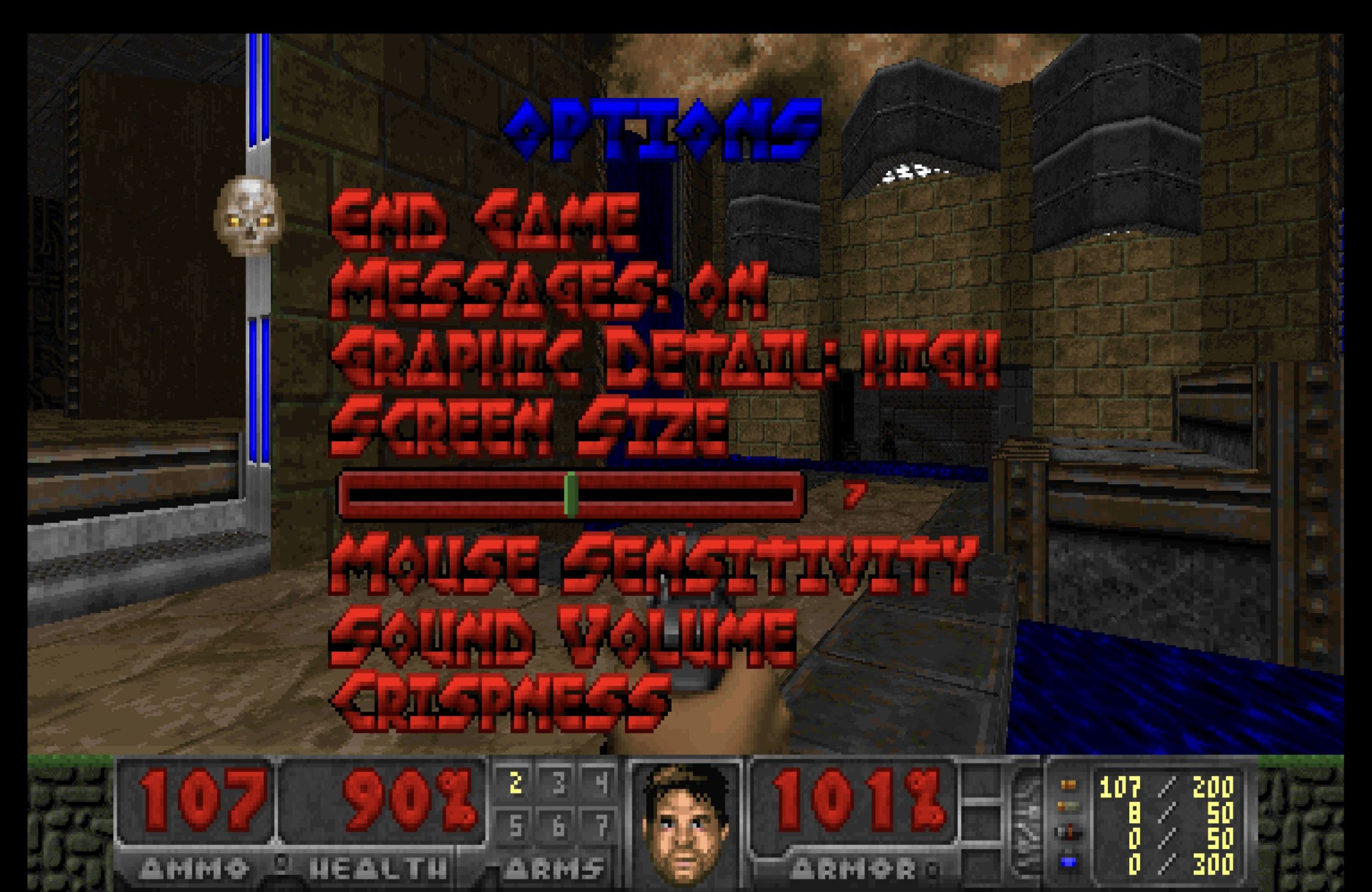
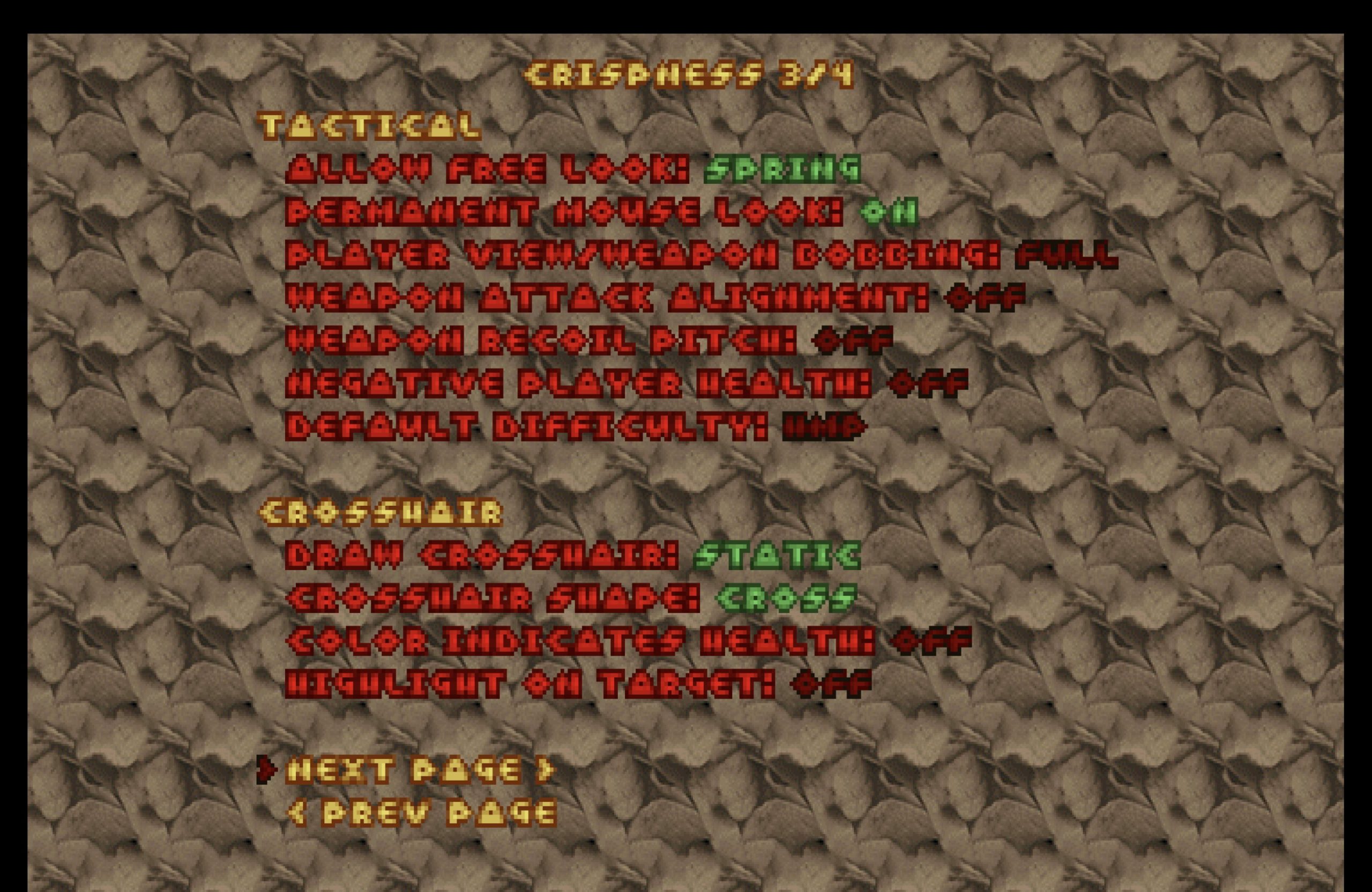
Configuration is handled through an in-game menu and a plain-text config file, following the same approach as Chocolate Doom. There is no graphical launcher bundled with the port, though third-party launchers for Crispy Doom exist in the community.
How to install Crispy Doom
// From zero to playing — step by stepDownload the latest release
Visit the GitHub releases page and download the archive for your platform. Windows users should select the pre-built binary archive compatible with x86 or x64. macOS users may use brew install crispy-doom via Homebrew or sudo port install crispy-doom via MacPorts instead.
Obtain a Doom IWAD
Crispy Doom requires a game data file (IWAD) from a supported title such as Doom or Doom II. Place the IWAD (e.g., DOOM.WAD or DOOM2.WAD) in the same directory as the Crispy Doom executable, or note its full path for use with the -iwad flag.
Launch the port
On Windows, run the Crispy Doom executable from the extracted archive directory. If the IWAD is not in the same folder, pass its location explicitly: crispy-doom -iwad /path/to/DOOM.WAD. On Linux, the same command-line syntax applies.
Load a WAD or mod (optional)
To load a custom WAD file, use the -file flag followed by the path to the WAD: crispy-doom -iwad DOOM2.WAD -file mymod.wad. Crispy Doom supports WADs authored for the vanilla or limit-removing format.
Crispy Doom system requirements
Frequently asked questions
Is Crispy Doom compatible with vanilla Doom demos?
Crispy Doom is forked from Chocolate Doom, which is designed for vanilla demo compatibility. The limit-removing changes in Crispy Doom are targeted at map-engine limits rather than gameplay timing, so vanilla demo playback is generally supported, though the Chocolate Doom project itself is the reference implementation for strict demo accuracy.
Does Crispy Doom support Boom or MBF map formats?
No. Crispy Doom is a limit-removing port, not a Boom-compatible port. It removes the static engine limits (visplanes, drawsegs, etc.) of the original executable but does not implement Boom’s generalized line types, extended sector specials, or MBF monster AI enhancements. Maps that require those features must be run in a Boom-compatible port.
Where can I report bugs in Crispy Doom?
Bugs, glitches, and crashes should be reported to the GitHub Issue Tracker for the project. The Chocolate Doom wiki page for Crispy Doom also notes this as the official channel for bug reports.
Which games does Crispy Doom support beyond Doom?
Crispy Doom supports several other games that share the Doom engine, specifically Heretic, Hexen, and Strife.
How do I install Crispy Doom on macOS?
The two supported package-manager methods are Homebrew (brew install crispy-doom) and MacPorts (sudo port install crispy-doom), as documented on the GitHub repository. Both methods handle dependencies automatically.
What is the current version of Crispy Doom?
The current release is Crispy Doom 7.1.0, published on September 23, 2025. Release archives are available on the GitHub releases page.
Sources
- EXT Crispy Doom GitHub Repository github.com
- EXT Crispy Doom 7.1 Release (GitHub) github.com
- EXT Crispy Doom — Chocolate Doom Wiki www.chocolate-doom.org
- EXT Crispy Doom — Doom Wiki doomwiki.org
- EXT Crispy Doom Homepage (GitHub Pages) fabiangreffrath.github.io