Key features
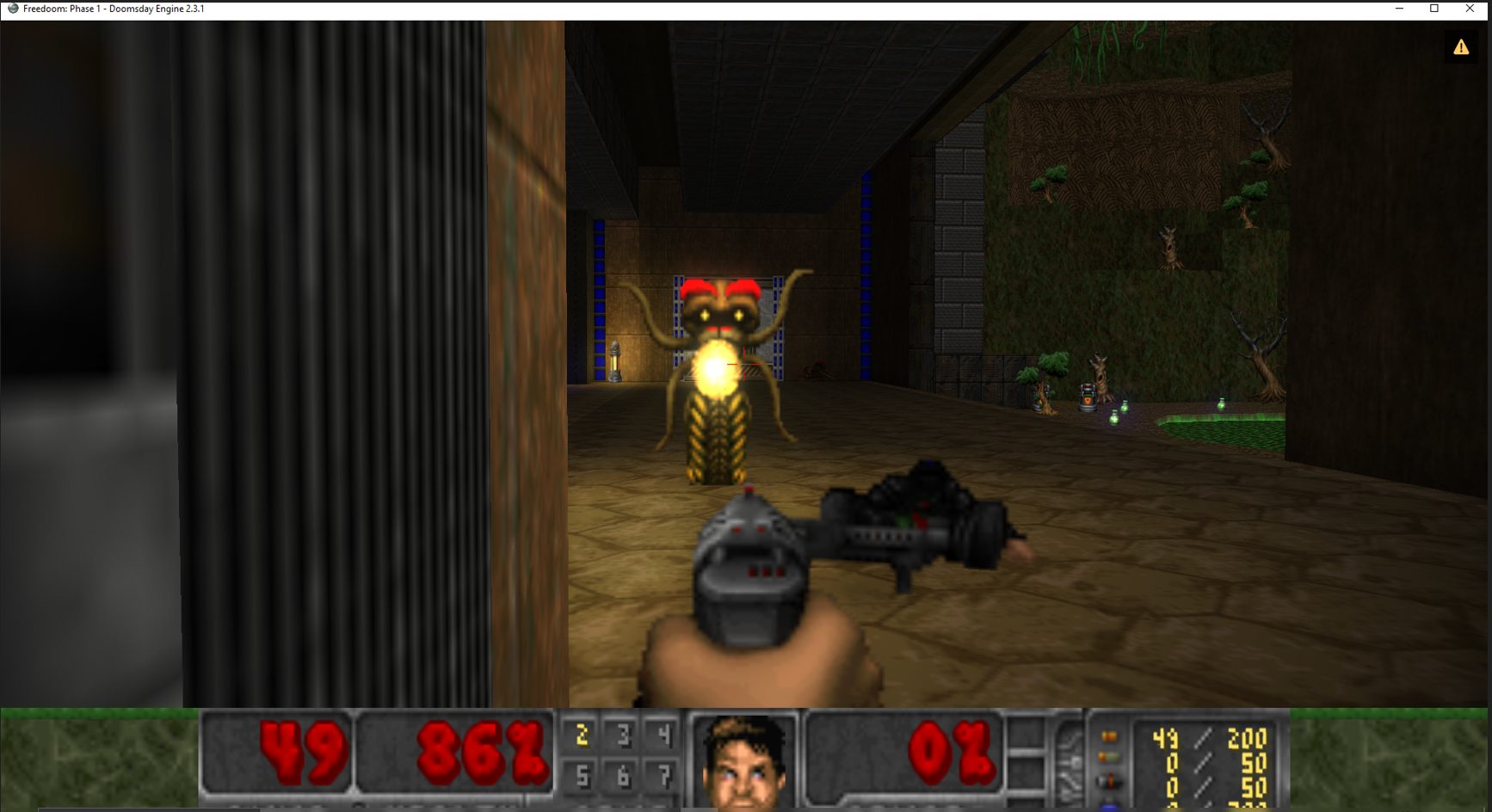
- OpenGL 3.3 hardware renderer as the primary rendering path, enabling dynamic lighting, texture filtering, and visual enhancements on top of original game data.
- Multi-game support for Doom, Doom II, Heretic, and Hexen via a plugin architecture that separates game logic from the shared engine core.
- 16-player client/server networking via TCP/IP with an in-game multiplayer menu and server browser.
- Limit-removing compatibility that lifts static limits from the vanilla engine such as maximum map complexity and object counts.
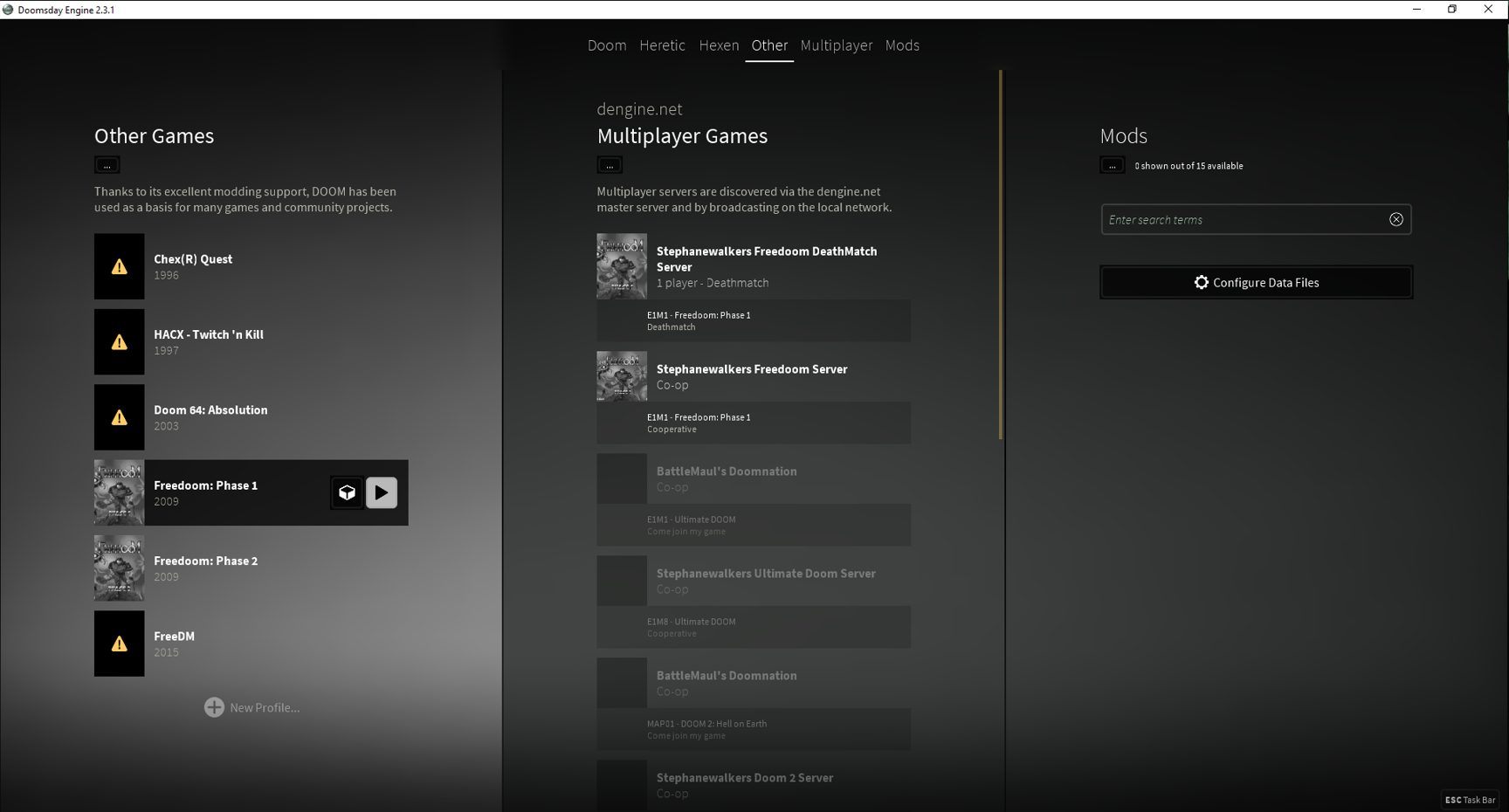
- Graphical launcher for profile management, resource-pack attachment and rendering configuration.
- 3D model replacement support allowing community-made high-polygon models to substitute for original sprites.
- Cross-platform builds available for Windows, macOS, and Linux from the official site.
- Vanilla WAD compatibility — works with custom WADs targeting the original Doom executable; no meaningful support for Boom or ZDoom extended features.
What is Doomsday Engine?
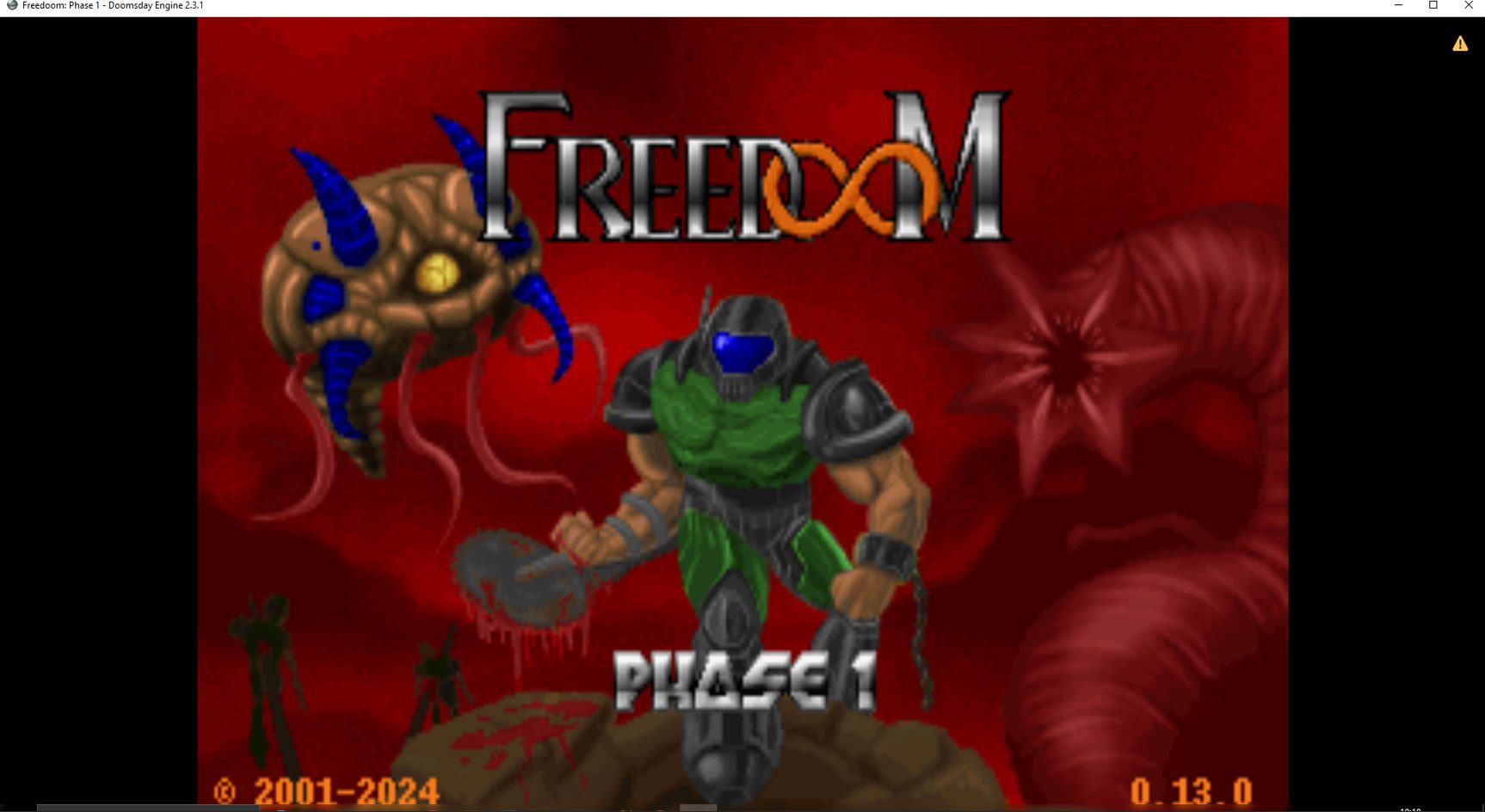
Doomsday Engine occupies a distinctive place in the Doom source-port landscape: rather than tracing its lineage from PrBoom, ZDoom, or any other well-known fork, it was built as an independent hardware-accelerated engine designed to give classic id Software first-person shooters a visual overhaul without discarding the gameplay that made them endure. Its scope extends beyond Doom and Doom II to include Heretic and Hexen, making it one of the few ports that treats the entire id/Raven early-nineties catalogue as a single supported platform.
Origins and Design Philosophy
The project was started by Jaakko Keränen (known online as skyjake), who has served as its lead developer throughout its history. According to the Doom Wiki, Daniel Swanson (DaniJ) and Jamie Jones (Yagisan) were also former key developers. From its earliest public releases, Doomsday prioritised a hardware-rendered visual experience — OpenGL support arrived long before it became common in Doom ports — and the engine was kept portable across Windows, Linux, and macOS.
The stated goal on the official project site is concise: “Doomsday Engine exists to refresh the technology of these classic games while retaining the core gameplay experience.” That framing explains many of the engine’s architectural choices. Features like dynamic lighting, model support, and texture filtering are layered on top of the original game data rather than replacing it, so a player can strip away the extras and still recognise the 1993 original underneath.
OpenGL Rendering and Visual Enhancements
Modern releases of Doomsday Engine require a GPU that supports OpenGL 3.3, as documented on the Windows downloads page. This is a harder system requirement than most other active Doom ports impose, and it reflects the engine’s long-standing commitment to hardware-accelerated rendering as its primary mode. The software renderer path that ships in boom-compatible or vanilla ports is not a design goal here; the OpenGL pipeline is first-class and central.
Among the visual features the engine has historically offered are dynamic and coloured lighting that interacts with the geometry of vanilla maps, 3D model replacement support (so community-made high-polygon models can be substituted for sprites), bilinear and trilinear texture filtering, and a skybox renderer that replaces the flat vanilla sky texture with a full panoramic sky. All of these are additive: the engine loads standard IWAD and PWAD data, then applies the enhancements on top.
Multi-Game Support
Unlike the majority of Doom source ports, Doomsday Engine treats Doom, Doom II, Heretic, and Hexen as co-equal supported games rather than bolt-on afterthoughts. The engine’s plugin architecture separates game logic from the shared renderer and networking layers, which means each game gets its own plugin while sharing the same core. This design is more ambitious than the single-game approach taken by most ports and has contributed both to Doomsday’s appeal for players of the full Raven/id trilogy and to some of its historical complexity.
Networking
According to the Doom Wiki, Doomsday Engine supports 16-player client/server networking via TCP/IP, with an in-game multiplayer menu and server browser. This puts it well above the 4-player limit of the original Doom networking code and positions it as a viable cooperative or deathmatch platform for players who want visual enhancements alongside multiplayer.
WAD Compatibility
Doomsday handles compatibility in a specific way that is worth understanding before loading a PWAD collection. As discussed in the official forums at talk.dengine.net, the engine removes many of the limits of the vanilla engine — things like maximum map complexity and the number of objects — which places it broadly in the limit-removing category. However, as another forum thread clarifies, Doomsday is “generally compatible with custom WADs that work with the vanilla DOOM.EXE. If the WAD requires any Boom/ZDoom extra features, it won’t work with Doomsday Engine.”
This is a meaningful constraint. The large body of PWADs designed specifically for Boom features — conveyor belts, generalised line types, deep water effects — or for ZDoom/GZDoom scripting are outside Doomsday’s compatibility envelope. Players intending to run the modern megawad scene extensively may want to pair Doomsday with a Boom-compatible or ZDoom-family port for those titles. Doomsday shines with the classic commercial IWADs and PWADs that targeted the vanilla executable.
Technical Foundation
Doomsday runs on a portable, cross-platform codebase across Windows, Linux, and macOS. Window and input handling are driven by SDL2, while the visual interface is drawn with the engine’s own OpenGL UI framework. Instead of a command-line-first workflow, it delivers a much richer front-end experience out of the box—complete with automated package management, profile switching, and resource browsing built directly into the launcher.
The Doomsday Launcher
One of Doomsday’s more distinctive UI contributions is its integrated launcher application, which allows players to manage multiple game profiles, attach resource packs (such as high-resolution texture packs), and configure rendering options before launching a game session. The launcher can also connect to remote servers and manage multiplayer sessions. This front-end approach contrasts with the command-line-first workflow common to many other ports, making Doomsday more approachable for players who prefer a graphical interface for configuration.
Version History and Current State
The project has maintained a slow yet steady development over many years. As listed on the official news page, the 2.3 branch was released in late 2020, with 2.3.1 following on 2021 February 4. The Windows downloads page confirms 2.3.1 as the latest stable release. The 2.x series represented significant internal modernisation compared to the 1.x branch, with changes to the rendering pipeline, launcher, and plugin API.
The source code is hosted on GitHub under the skyjake/Doomsday-Engine repository, which provides access to the full revision history and release tags going back through the 1.x and early 2.x series. The project’s development pace has been slower in recent years relative to some of the more actively maintained ports in the Doom community, but the 2.3.x stable branch remains the supported download.
Platform Support
Doomsday Engine is available for Windows, macOS, and Linux, as documented by the Doom Wiki. The official site provides dedicated download pages for each platform. Linux users typically build from source or use community-maintained packages, while Windows and macOS users have installer binaries available directly from dengine.net.
Position in the Source-Port Ecosystem
Doomsday Engine is most naturally compared to GZDoom in the sense that both are hardware-renderer-first ports aimed at players who want a visually enhanced experience. The key differences are in lineage and modding philosophy: GZDoom descends from ZDoom and supports ZScript, DECORATE, and the enormous library of modern megawads built for that ecosystem. Doomsday has its own independent codebase, and was designed from the outset as a multi-game engine with equal support for its game plugins, and it has no ZScript/DECORATE-style gameplay scripting for modders. Its visual enhancement layer works with unmodified WAD data rather than requiring authors to target it explicitly.
For players whose primary interest is running the commercial IWADs — The Ultimate Doom, Doom II, Heretic, Hexen — in a visually polished hardware-rendered environment, Doomsday remains a compelling option with a long history. Its compatibility ceiling (vanilla-plus, not Boom-or-above) is a real constraint for the PWAD scene, but within its intended scope it delivers a consistent and self-contained experience.
Related Ports
Players interested in hardware-accelerated Doom ports may also want to investigate GZDoom, which offers the broadest modding ecosystem of any currently maintained port. For strict vanilla accuracy or demo playback, Crispy Doom (a Chocolate Doom fork) and DSDA-Doom (successor to PrBoom+) fit better. Woof continues the Boom/MBF line with modern conveniences. Eternity is another independent branch of the Boom family (via SMMU) with advanced editing features.
How to install Doomsday Engine
// From zero to playing — step by stepCheck system requirements
Doomsday Engine requires a GPU that supports OpenGL 3.3. Confirm your graphics driver is up to date before downloading. See the Windows downloads page for the current requirement note.
Download the installer
Visit dengine.net and select your platform (Windows, macOS, or Linux) to download the latest stable release (2.3.1).
Locate your IWAD
Doomsday Engine requires an original game IWAD — for example DOOM.WAD, DOOM2.WAD, HERETIC.WAD, or HEXEN.WAD. These are available from the original retail releases or digital storefronts.
Run the launcher and configure game profiles
Open the Doomsday launcher. It will prompt you to locate your IWADs and will set up game profiles automatically. Use the profile manager to attach resource packs such as high-resolution texture replacements if desired.
Launch and adjust renderer settings
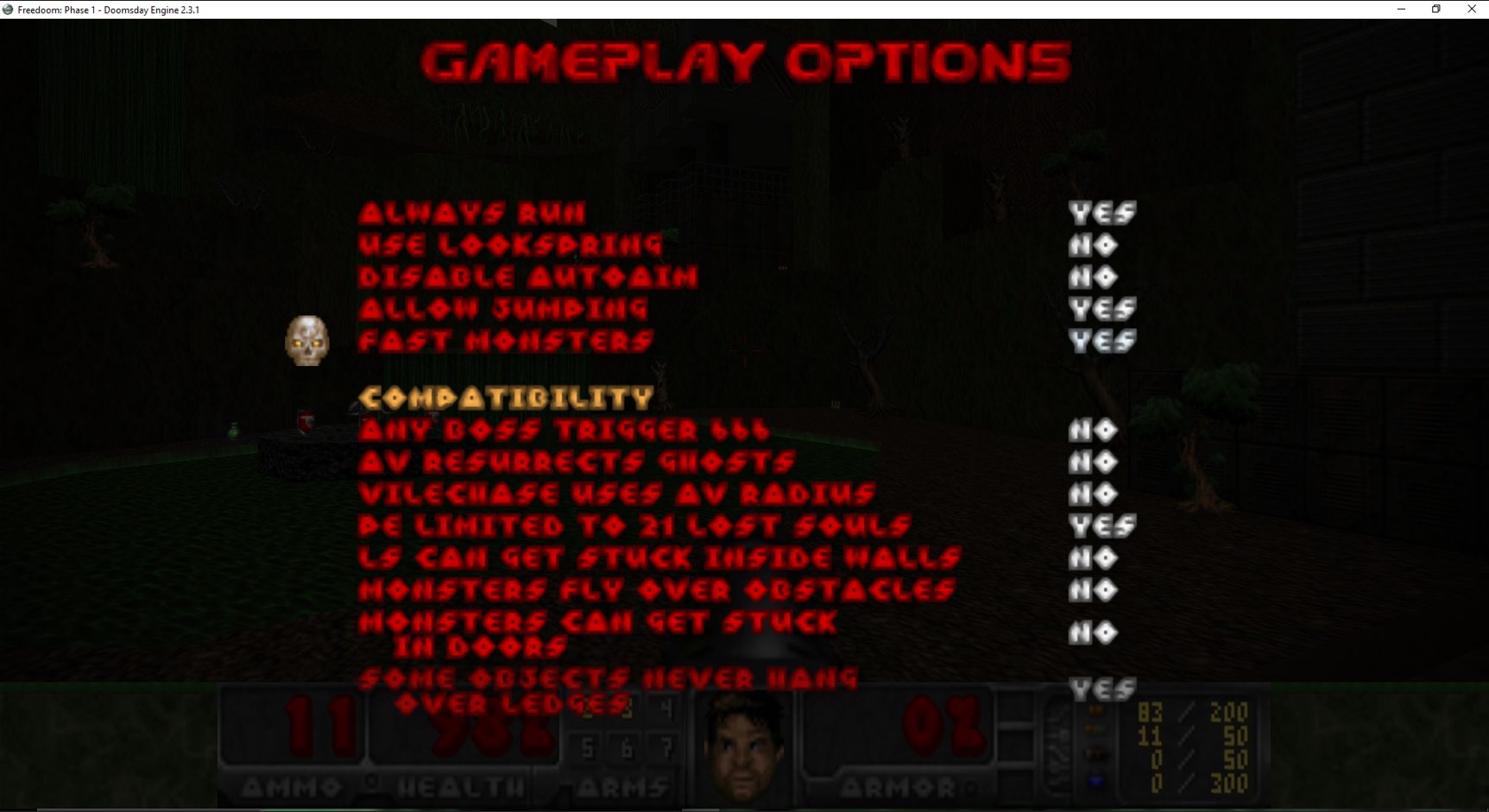
Select a game profile and click Launch. Once in-game, use the engine’s settings menus to configure OpenGL rendering options, dynamic lighting, and texture filtering to your preference.
Doomsday Engine system requirements
Frequently asked questions
Does Doomsday Engine support Boom or ZDoom PWADs?
No. Doomsday is compatible with custom WADs that target the vanilla Doom executable, but WADs that require Boom or ZDoom extended features will not work correctly. See the official forum discussion for details.
Which games does Doomsday Engine support?
Doomsday Engine supports Doom, Doom II, Heretic, and Hexen via a plugin architecture. Each game requires its original IWAD.
What are the minimum GPU requirements?
Doomsday Engine requires a GPU that supports OpenGL 3.3, as stated on the official Windows downloads page. Ensure your graphics drivers are current.
What is the latest stable version?
As of the latest update on the official site, the current stable release is 2.3.1, released on 2021 February 4. See the official news page for version history.
Who develops Doomsday Engine?
According to the Doom Wiki and the official manual, the engine was created by Jaakko Keränen (skyjake), who remains the lead developer. Daniel Swanson (DaniJ) and Jamie Jones (Yagisan) have also been key developers on the project.
Does Doomsday Engine support multiplayer?
Yes. Doomsday supports 16-player client/server networking via TCP/IP with an in-game multiplayer menu and server browser, as documented by the Doom Wiki.
Sources
- EXT Doomsday Engine official site dengine.net
- EXT Windows Downloads — Doomsday Engine dengine.net
- EXT Doomsday — Doom Wiki doomwiki.org
- EXT Doomsday Engine readme (manual.dengine.net) manual.dengine.net
- EXT PWad compatibility / limit-removing — dengine Forums talk.dengine.net