Key features
- Continuation of the Boom and MBF lineage, maintaining compatibility with Boom-compatible and MBF-compatible WADs
- Native MIDI output on all major platforms — WinMM on Windows, ALSA on Linux, and Core MIDI on macOS— for low-latency music playback
- GPL-2.0 licensed with full source code available on GitHub
- Currently ships on SDL2 for the stable release, with the in-development branch migrating to SDL3 (≥3.4.0), reflecting active modernization of the platform layer.
- Active release cadence with 60 tagged releases documenting incremental improvements and compatibility fixes
What is Woof!?
Woof! is a source port for Doom that positions itself as a direct continuation of the Boom lineage, carrying forward the MBF (Marine’s Best Friend) heritage via Team Eternity’s WinMBF port, while incorporating modern quality-of-life refinements for both players and map authors. Its name is a deliberate pun: turning the Doom logo upside-down spells ‘Wood‘, and ‘Woof‘ was chosen as a cheekier alternative referencing dogs — a nod to MBF’s ‘Marine’s Best Friend’ name. The project is maintained on GitHub under the fabiangreffrath/woof repository, where its full changelog, issue tracker, and release assets are publicly accessible.
Origins and philosophy
The Doom source port ecosystem is broadly divided between ports that prioritize modding expressiveness — often through scripting languages like ZScript — and those that stay close to the original engine’s behavior while carefully lifting its arbitrary technical limits. Woof! firmly occupies the second camp. Rather than layering on a hardware-accelerated renderer or a bespoke scripting VM, Woof! extends the Boom/MBF foundation: the software renderer remains canonical, the demo-compatibility machinery inherited from that lineage is preserved, and the overall design philosophy treats faithfulness to Boom-era WAD behavior as a first-class concern.
This makes Woof! a natural choice for players who want to experience the enormous catalog of Boom-compatible and MBF-compatible WADs as their authors intended, without the overhead of a modern feature port or the brittleness of running decade-old binaries. The port targets the intersection of correctness and convenience, adding creature-comfort features only where they do not compromise compatibility with the established ecosystem.
Releases and versioning
As of its latest stable release, Woof! is at version woof_16.0.0, published on September 8, 2026. The version history on the GitHub releases page documents the project’s tagged releases, with each release listing its new features, improvements, and bug fixes.
Woof! 16.0.0 added support for UDMF, a Woof-specific UDMF namespace, additional ID24 features, new node formats, XBM1 blockmaps, and TX_START/TX_END. It also introduced rewinding, a custom skill menu, a Previous Map button, new automap functionality, mini map overlay, and other gameplay and interface options. The release also moved Woof! from SDL2 to SDL3 and included further rendering, input, demo, and compatibility changes.
Audio subsystem
One of the more visible improvements in recent development cycles has been a thorough overhaul of the audio backend. Woof! 14.5.0 introduced support for native MIDI output across all major platforms — using WinMM on Windows, ALSA on Linux, and Core MIDI on macOS — allowing MIDI music to be sent directly to compatible software or hardware MIDI devices. The release also added cross-platform support for midi_complevel, midi_reset_type, full EMIDI support, and loop points.
Woof! 16.0.0 introduced several further audio changes, including improvements to the sound limiter, FluidSynth support for .dls files, a new FluidSynth note-cut setting, and the replacement of Nuked-OPL3 with Nuked-OPL3-fast. On Windows, the included FluidSynth soundfont was changed from TimGM6mb.sf2 to .gm.dls.
IWAD requirements
Like all Doom source ports, Woof! is an engine only — it does not bundle any commercial game data. Players must supply a compatible IWAD (Internal WAD) to launch the game. The canonical use case involves Doom II’s DOOM2.WAD, though the port also accepts other id Software IWADs. Forum discussions around Woof! frequently reference running the port as ./woof -iwad DOOM2.WAD -file LEVELPACK.wad, illustrating the standard command-line pattern for loading an IWAD alongside a custom level pack.
Boom/MBF compatibility
The phrase “limit removing” appears frequently in discussions of Doom source ports and describes a category of port that lifts the static map and renderer limits baked into the original DOS executable without otherwise altering gameplay logic. Woof! operates at and above this level: it supports the full Boom extension set and the MBF monster-behavior extensions, meaning that level packs marked as targeting these compatibility tiers will behave as designed. This is not a trivial guarantee — subtle differences in how ports handle sector specials, linedef types, or MBF21 codepointers can break a carefully constructed map, and Woof!’s explicit commitment to this lineage gives WAD authors a reliable target.
For players, the practical implication is that a very large fraction of the competitive mapping scene’s output from the mid-1990s through to the present day is playable in Woof! without the kind of renderer or gameplay divergences that a more feature-progressive port might introduce.
Platform support
Woof! builds and runs on Windows, macOS, and Linux. The audio subsystem notes in the release history specifically call out WinMM (Windows), ALSA (Linux), and Core MIDI (macOS) as native MIDI targets, confirming first-class support on those platforms. The Raspberry Pi forum community has also documented running Woof! on that platform, and a development build note states that the development release requires SDL3 version 3.4, indicating that the project tracks current SDL releases rather than pinning to legacy SDL2 indefinitely.
Binary releases are provided for Windows (32-bit and 64-bit) and Linux through the GitHub releases page. No macOS binaries are distributed directly — the project’s own documentation notes that “macOS releases are not provided.” macOS users can instead install Woof! via Homebrew (brew install woof-doom). See our full guide on how to install Woof! via Homebrew.
License
Woof! is published under the GNU General Public License version 2.0, consistent with the licensing of the Doom source code as released by id Software in 1997 and the Boom port that followed. The full license text is included in the project repository as COPYING. GPL-2.0 ensures that all derivative works and redistributions must also be made available under the same terms, preserving the open-source nature of the codebase across forks and packages.
Getting started
New users should begin at the releases page and download the archive appropriate for their operating system. After extracting the archive, placing a compatible IWAD (such as DOOM2.WAD) in the same directory as the executable — or specifying it via the -iwad flag — is sufficient to launch the game. The port also accepts additional WAD files via the -file argument for loading custom maps and mods.
For macOS users: Woof! does not ship pre-built macOS binaries. Install it instead via Homebrew: brew install woof-doom. IWADs should be placed in ~/Library/Application Support/woof
For users running Linux distributions that package Woof!, the port may already be available through the system package manager, though the packaged version may lag behind the upstream GitHub release. Compiling from source against the current SDL3 requirement will produce the most up-to-date build.
Community context
Woof! exists within a rich ecosystem of Boom-lineage ports that includes projects such as PrBoom+, DSDA-Doom, and Eternity Engine. Each of these ports makes different trade-offs between strict compatibility, demo recording and playback accuracy, and added features. Woof!’s positioning within this space leans toward a clean, well-maintained Boom/MBF engine with steady quality-of-life improvements, making it suitable both for casual play and for users who want a reliable platform for the Boom-compatible WAD catalog without the additional complexity of a full modern feature port.
The project’s issue tracker and release notes serve as the primary communication channels between the maintainer and the community, and the frequency of releases suggests an engaged development cadence responsive to user-reported issues and the evolving needs of the WAD-authoring community.
How to install Woof!
// From zero to playing — step by stepDownload the release archive
Visit the Woof! releases page on GitHub and download the archive for your operating system from the latest release (currently woof_16.0.0).
Obtain a compatible IWAD
Woof! requires an id Software IWAD such as DOOM2.WAD. Place it in the same directory as the Woof! executable or note its path for use with the -iwad flag.
Launch the port
Run the Woof! executable. To load an IWAD and an additional WAD file, use the command-line pattern: ./woof -iwad DOOM2.WAD -file LEVELPACK.wad

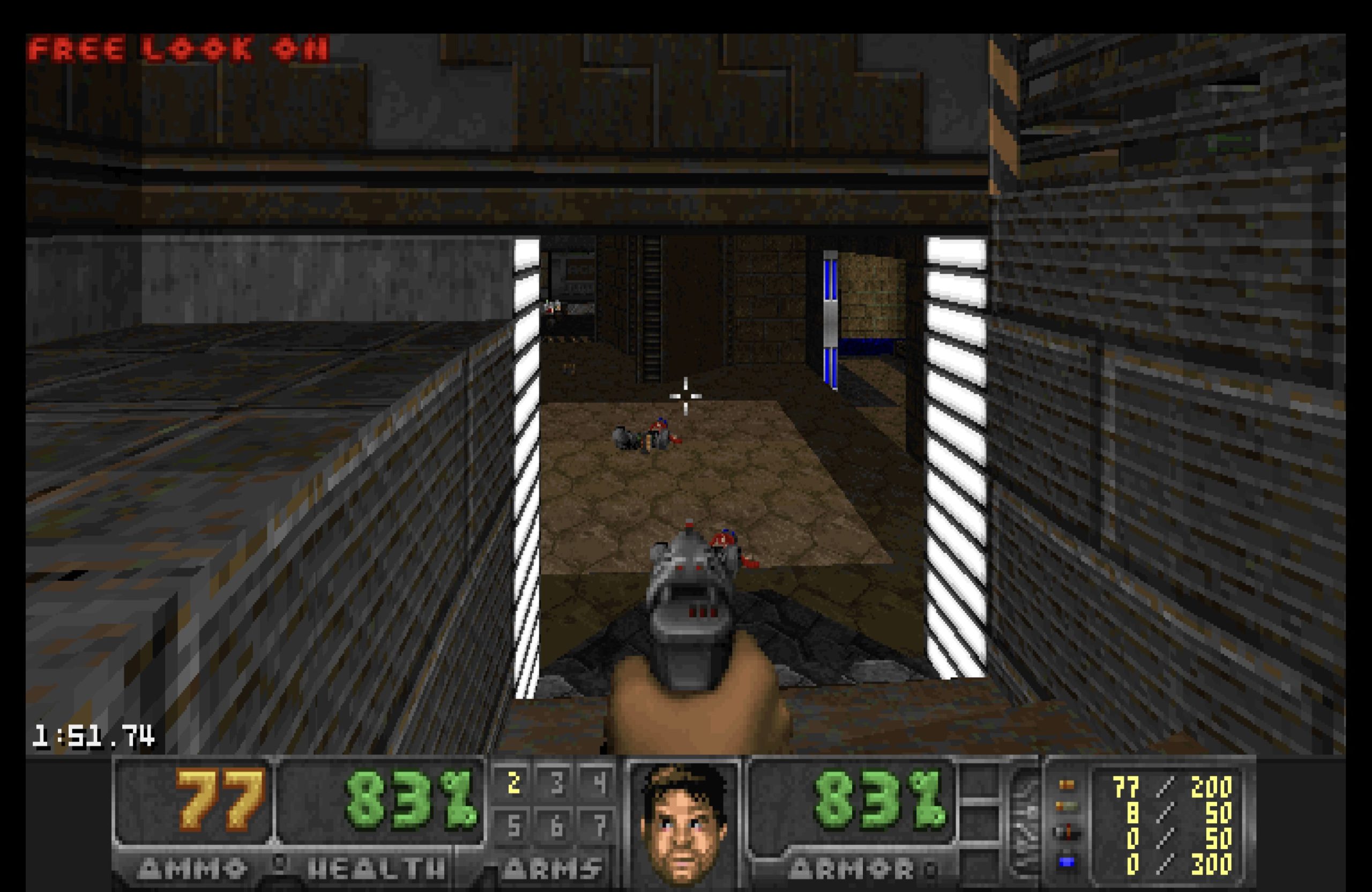
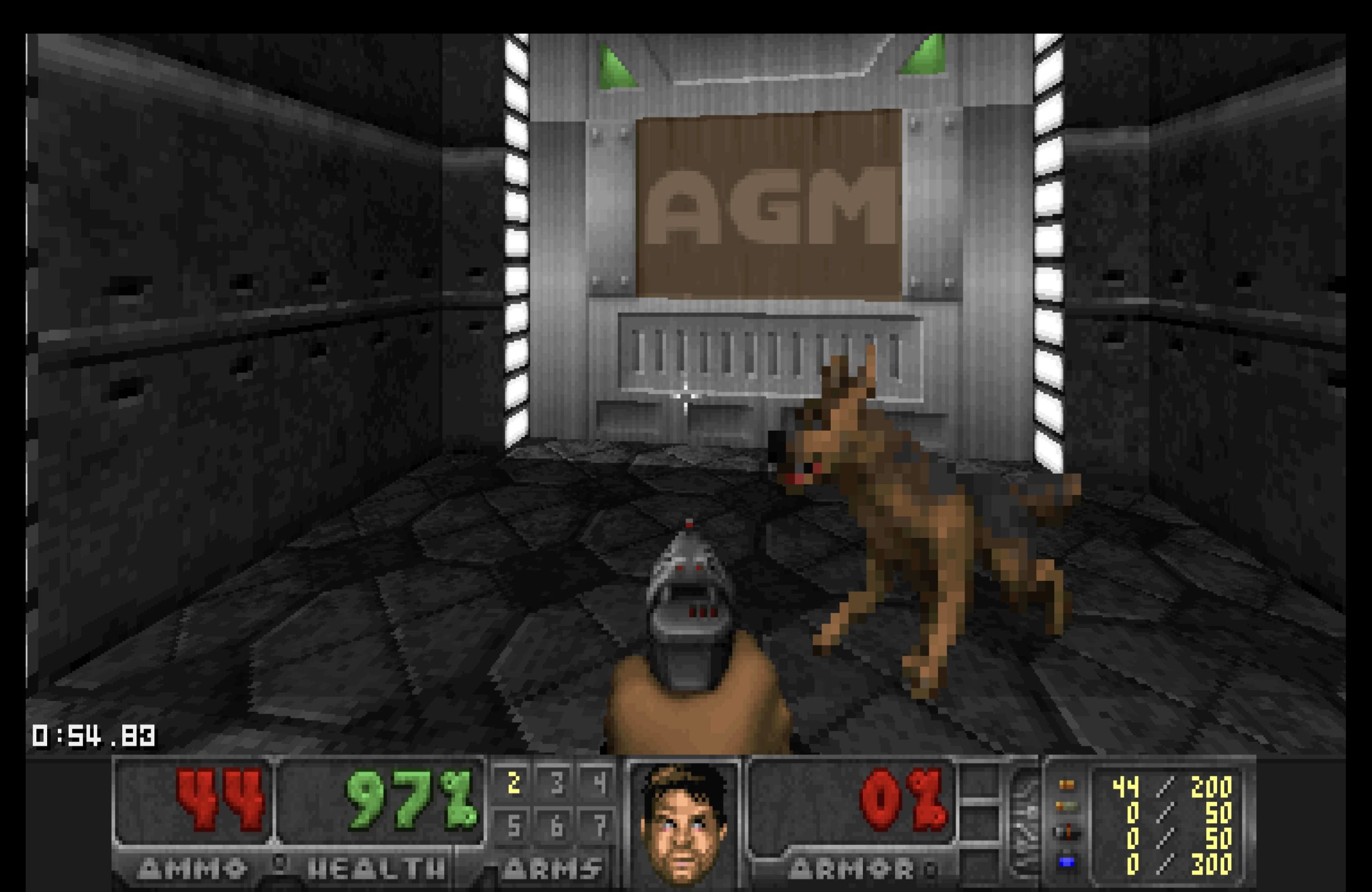
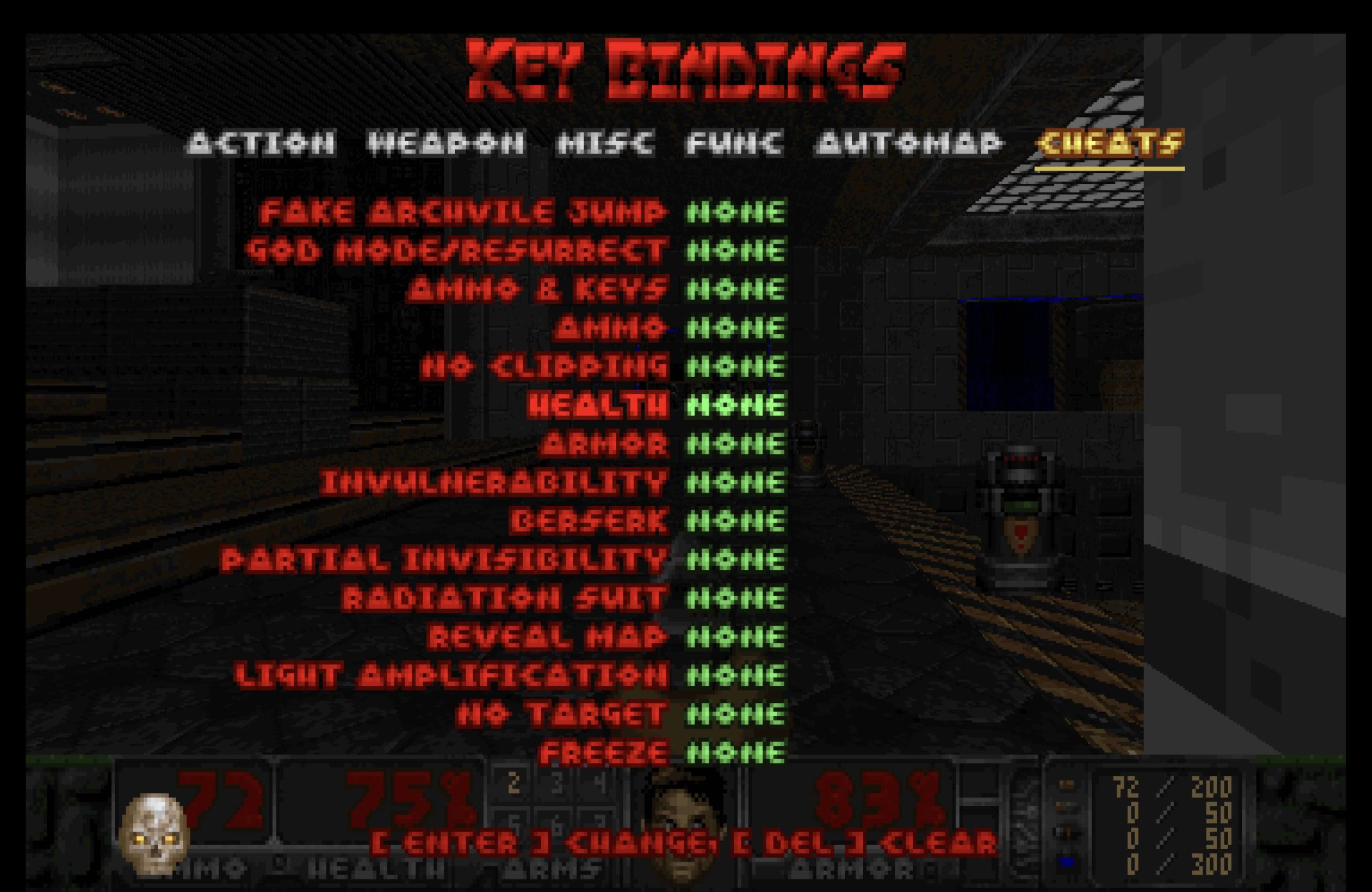
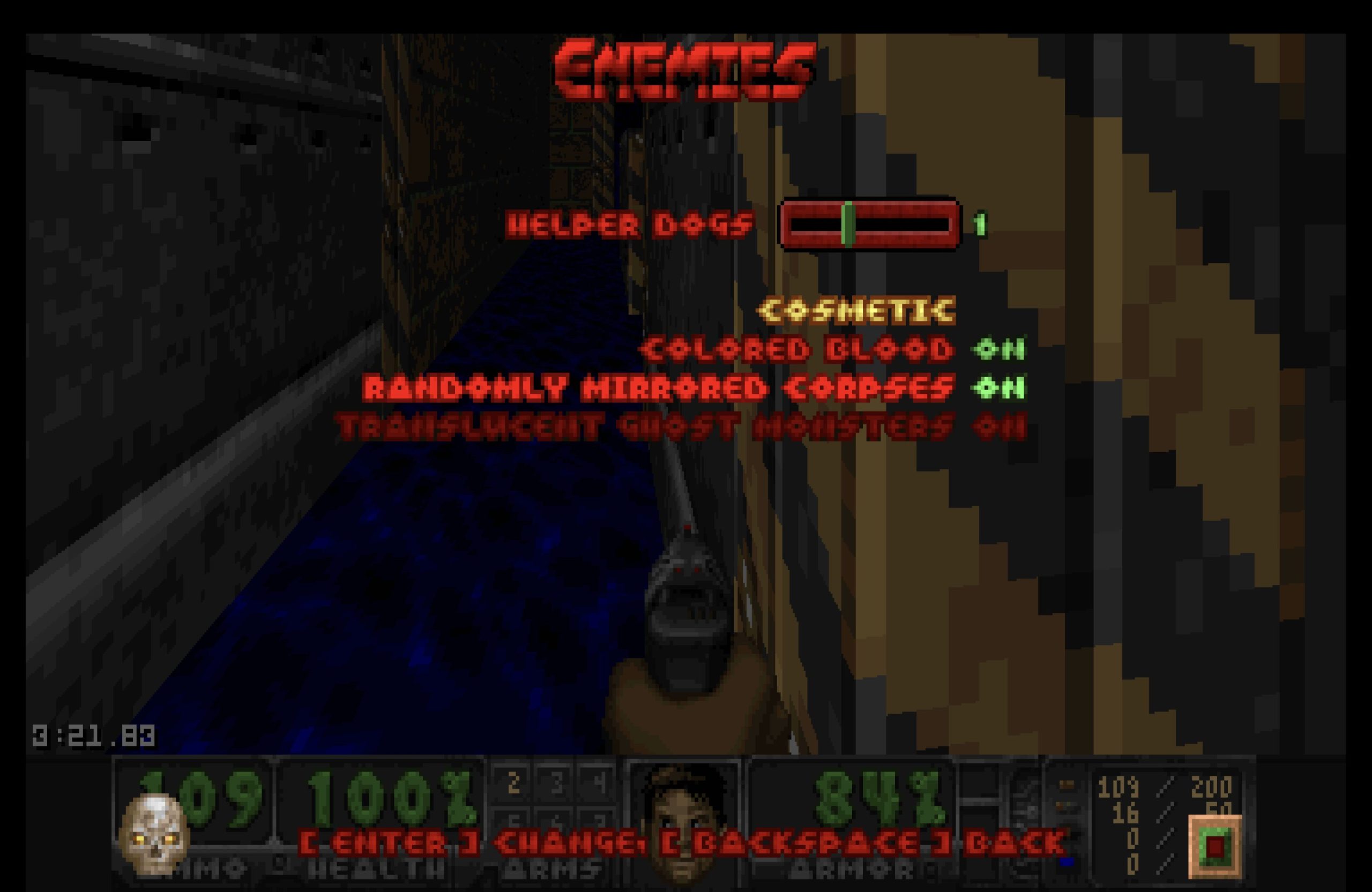
Woof! system requirements
Woof! vs other source ports
Need to pick between ports?
Short version: Woof! handles most needs. For the full comparison and our ranked list, see the dedicated pages.
Frequently asked questions
What WAD compatibility level does Woof! target?
Woof! is a continuation of the Boom and MBF source port lineage. It supports Boom-compatible and MBF-compatible WADs, making it suitable for the large catalog of maps built to those specifications.
Do I need to own a copy of Doom to use Woof!?
Yes. Woof! is an engine only and does not include game data. You must supply a compatible IWAD such as DOOM2.WAD from a purchased copy of Doom II (or another compatible id Software title).
Where can I download Woof!?
Binary releases and source archives are available on the GitHub releases page. The current stable release is woof_16.0.0.
What platforms does Woof! support?
Woof! supports Windows, macOS, and Linux.
Note: official binaries are only provided for Windows and Linux; macOS users install via Homebrew (brew install woof-doom)
What license is Woof! released under?
Woof! is released under the GNU General Public License version 2.0 (GPL-2.0). The full license text is included in the repository as COPYING.
Sources
- EXT Woof! 16.0.0 release — GitHub Releases API github.com
- EXT Woof! GitHub repository (fabiangreffrath/woof) github.com
- EXT Woof! releases index — GitHub github.com
- EXT Woof! LICENSE file (COPYING) — GPL-2.0 github.com
- EXT Raspberry Pi forum — Woof! SDL3 and IWAD usage forums.raspberrypi.com