Key features
- Demo compatibility across vanilla Doom 1.2–1.9, Boom 2.02, MBF, and later formats — the port's defining feature.
- UMAPINFO support (added in v2.5.1.5; standardized from v2.6um) for portable, cross-port map metadata.
- Limit-removing engine — eliminates the hard-coded resource limits of the original Doom engine without altering gameplay behavior.
- Full Boom compatibility — generalized linedef/sector types, translucency, colormaps, deep water, and ANIMATED/SWITCHES lumps.
- Dual rendering engines: Offers both classic software rendering and integrated OpenGL acceleration (GlBoom+) for higher resolutions and dynamic lighting inside a unified executable.
- MBF compatibility levels (complevel 11) for playing MBF-format PWADs
- Cross-platform binaries for Windows, Linux, and macOS with 64-bit support.
What is PrBoom+?
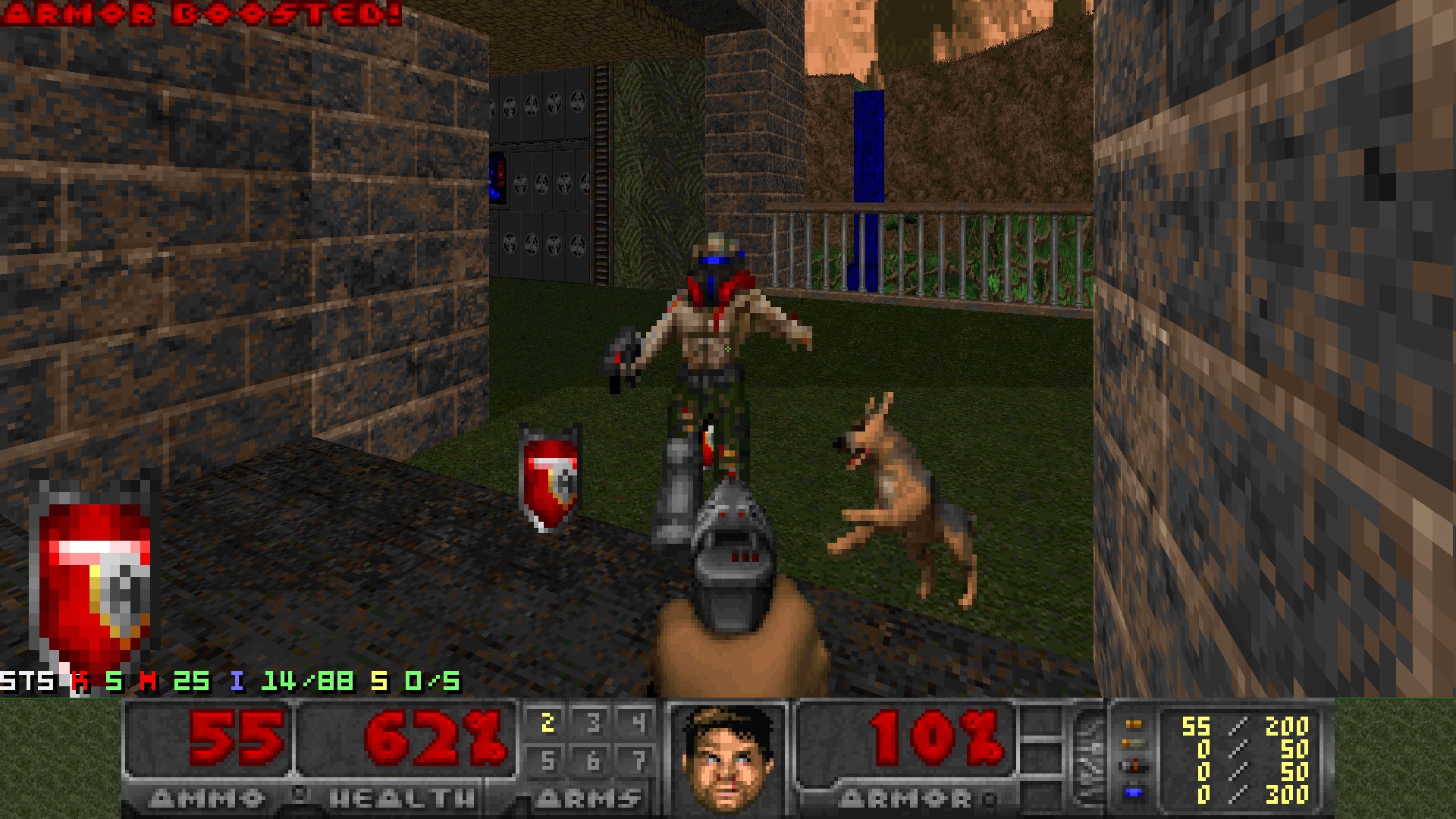
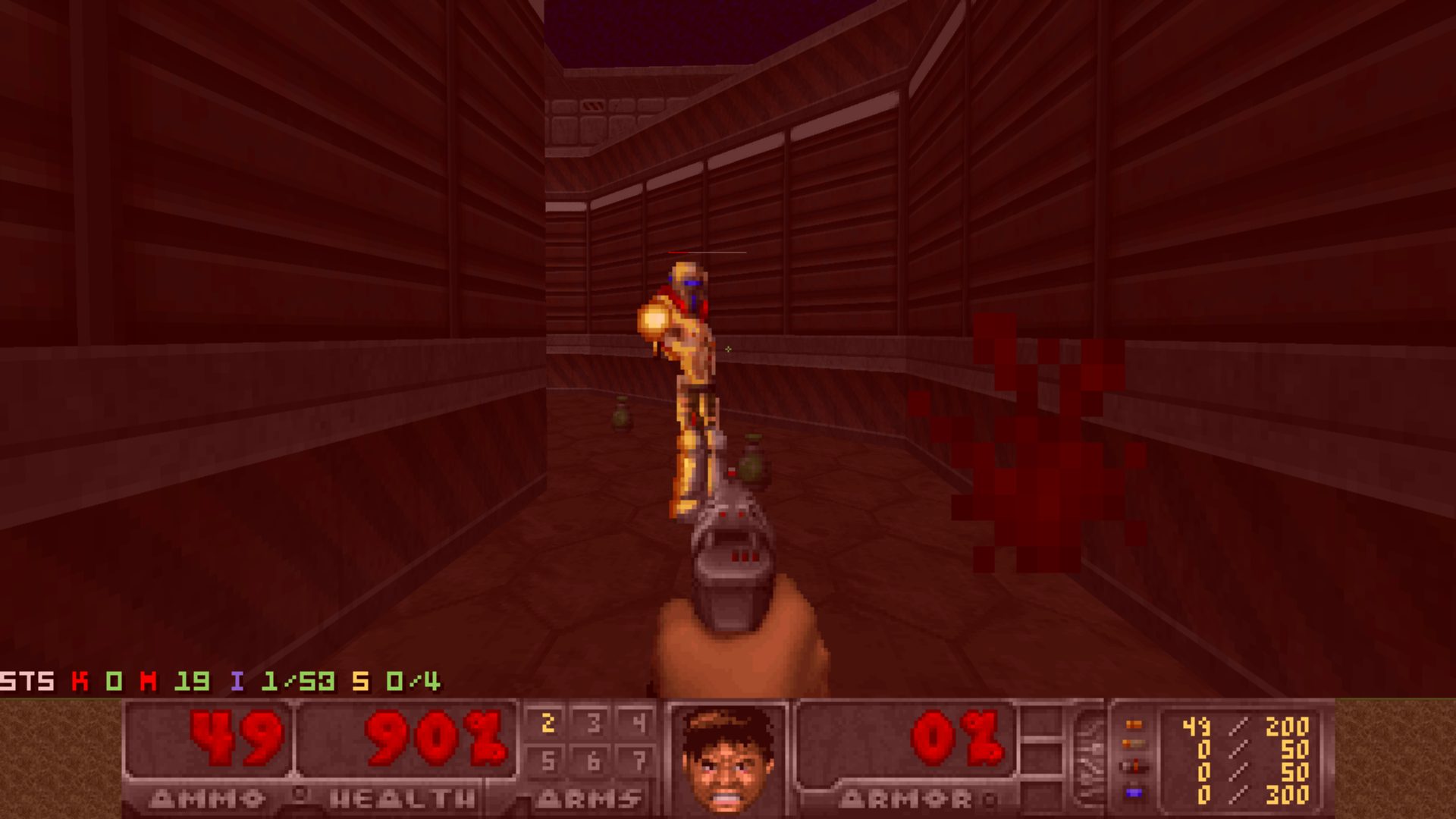
PrBoom+ may be a finished branch, but it has aged remarkably well. It packs in a set of small, well-loved touches that longtime players still reach for — the MBF helper dog that distracts enemies mid-fight, a toggleable health bar over enemies’ heads, and a merged software/OpenGL renderer (GlBoom+) that switches cleanly between classic fidelity and sharper high-resolution visuals. Development wrapped with v2.6.66 on June 20, 2023, officially the final release of the original branch, with the team handing the torch to DSDA-Doom for anything further — which, in practice, means you’re getting a finished, thoroughly verified piece of software rather than a moving target. PrBoom+ is also still the reference build many speedrunners and demo archivists trust for Boom- and MBF-format playback.
Origins and lineage
The PrBoom family tree stretches back to PrBoom itself, which combined ideas from Boom (the engine released by TeamTNT in 1998 that introduced the foundational extensions — linedef types, sector types, DEHACKED lumps, and the removal of the original engine’s hard limits) with LxDoom, a Linux-first port developed by Colin Phipps. That synthesis produced PrBoom, a cross-platform, limit-removing, Boom-compatible port. PrBoom+ extended this foundation further, primarily through the work of Andrey Budko (known online as e6y), who developed the port over many years, adding OpenGL acceleration through the companion GlBoom+ renderer, improved demo playback infrastructure, and a host of accuracy improvements over a long series of releases.
According to discussion in the Doomworld community, Andrey Budko himself acknowledged the official successor relationship between his work and subsequent maintenance efforts. The repository at coelckers/prboom-plus on GitHub represents the current cleaned-up maintenance copy, with Fabian credited as the main project maintainer in that phase. This is significant: PrBoom+ did not simply vanish when its original primary developer stepped back — the codebase was curated and carried forward, culminating in the v2.6.66 release on June 20, 2023.
The final release: v2.6.66
Version 2.6.66, published on June 20, 2023, was a maintenance release rather than a feature debut. UMAPINFO — the community-developed map metadata standard that lets WAD authors define episode names, intermission screens, music, and other level properties in a portable, port-agnostic lump — had already been part of PrBoom+ for years by this point, first appearing as a beta build in 2017, officially released with 2.5.1.5um in June 2019, and becoming a standard part of the port from 2.6um in 2021. What v2.6.66 introduced was a large overhaul of PortMidi-based MIDI music playback, along with several refinements to the existing UMAPINFO implementation (including par-time and nextsecret fixes and a new “author” field) and a handful of rendering and stability bug fixes.
Fabian Greffrath announced that v2.6.66 will be final release of the original branch (PRBoom+) and future development will be continued in DSDA-Doom instead. This does not diminish its value as a reference implementation — many speedrunners and demo verifiers continue to rely on it as the canonical playback tool for Boom-format and MBF-format demos.
Demo compatibility: the core mission
Among all the features PrBoom+ offers, its demo-compatibility infrastructure is the one that most defines its identity. The port supports playback of recorded demos across multiple compatibility levels, including vanilla Doom 1.2 through 1.9, Ultimate Doom, Doom II, Final Doom, Boom 2.02, MBF, and later variants. This is not merely cosmetic: the engine internally emulates the precise behavior of each target version, including bugs and quirks that affect demo sync, so that a demo recorded on, say, a vanilla 1.9 engine will play back frame-accurately. The Doomworld community has long recognized this as a foundational tool for the competitive speedrunning scene.
This philosophy places PrBoom+ firmly in the Boom-compatible, demo-accuracy-focused category of source ports. As discussed in Doomworld community threads, the port is the appropriate choice when a player wants to run “just level sets, but otherwise vanilla/limit-removing/Boom/MBF” content. It does not attempt to be a universal modding platform or a scriptable engine — it attempts to be an absolutely correct replayer of classic Doom content.
Limit-removing and Boom compatibility
PrBoom+ supports the full range of Boom engine extensions: generalized linedef and sector types, the BOOM REJECT lump format, ANIMATED and SWITCHES lumps, translucency, colormap effects, deep water, and the removal of all Vanilla Doom engine limits (visplane overflow, drawseg overflow, sprite limits, and so on). This makes it suitable for playing the enormous catalog of Boom-format PWADs that have accumulated on the idgames archive since 1998.
The term “limit-removing” refers specifically to a class of ports — and a class of WADs designed for them — that use only vanilla or Boom-defined features but rely on the absence of the original engine’s hard-coded resource limits. As the Doomworld community explains, a limit-removing map “uses only vanilla features but won’t crash if you make a really complex map.” PrBoom+ handles this class of content natively and is considered a reference implementation for it.
GlBoom+: the OpenGL renderer
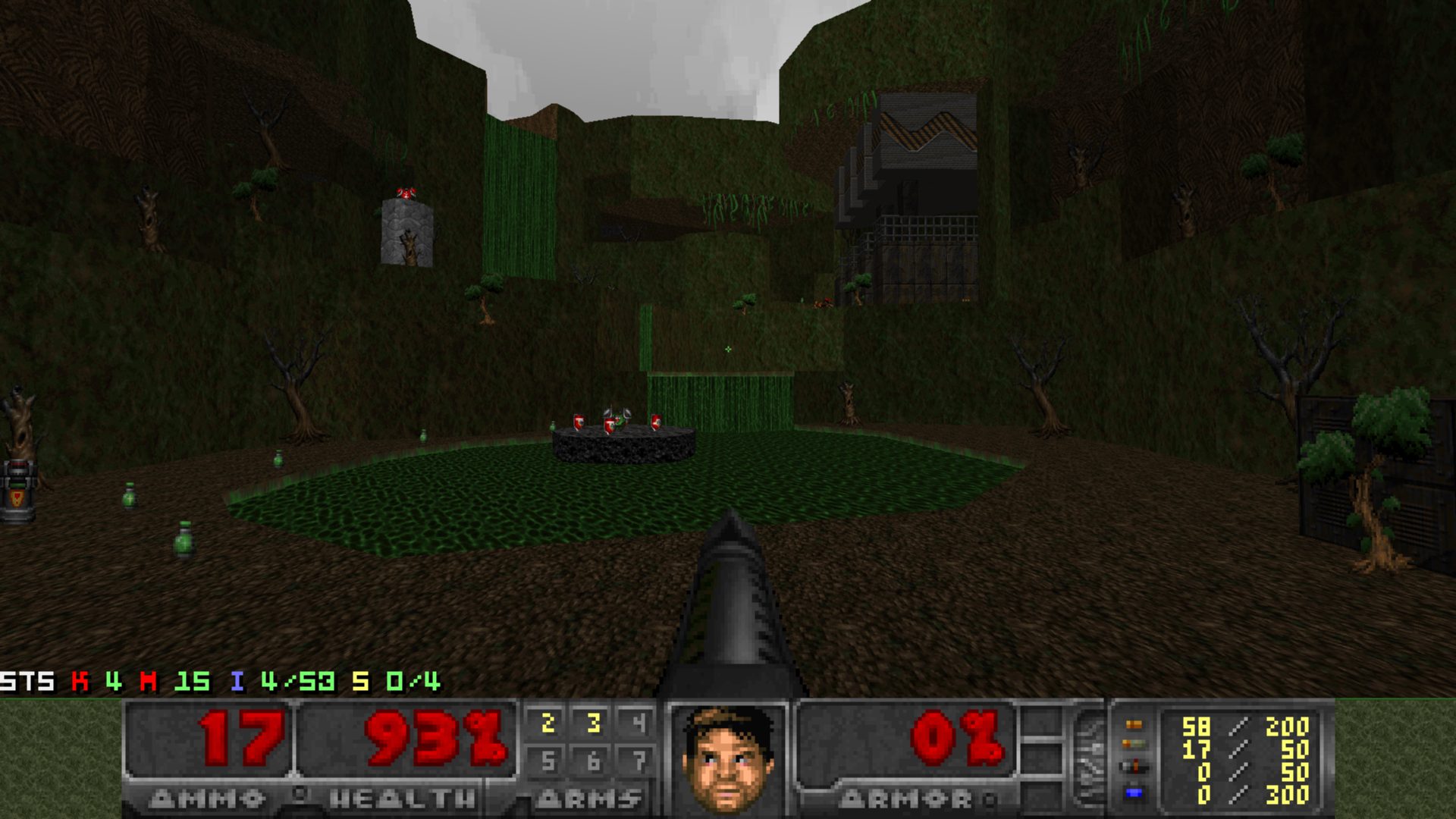
PrBoom+ includes GlBoom+, its hardware-accelerated counterpart designed for high-resolution rendering, dynamic lighting, and native widescreen display. Historically, PrBoom+ operated under a dual-binary model that distributed glboom-plus as a separate executable alongside the software renderer. However, starting with the 2.6 series, the development team merged both renderers into the main prboom-plus executable. This unified design allows players to switch between software accuracy and OpenGL visual enhancements within the video menu, maintaining complete compatibility without needing multiple binaries.
IWAD requirements
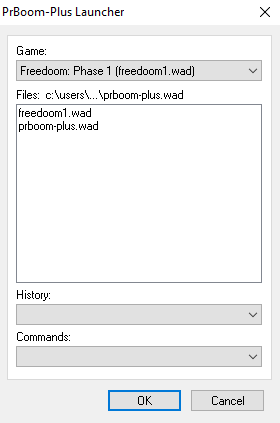
PrBoom+ requires one of the commercial id Software IWAD files to run. As documented in the project README, the supported IWADs are doom.wad, doom2.wad, tnt.wad (Final Doom: TNT Evilution), and plutonia.wad (Final Doom: The Plutonia Experiment). These are available through the original commercial releases and through the Doom + Doom II bundle on digital storefronts. Freedoom’s freedoom1.wad and freedoom2.wad are also broadly compatible, as they conform to the vanilla and Boom-format specifications that PrBoom+ targets.
Platform support
PrBoom+ runs on Windows, Linux, and macOS. The Raspberry Pi build guide confirms support for “modern computers with 64-bit operating systems,” and the port has been packaged for all three major desktop platforms. The Doom Wiki entry for PrBoom notes that the broader PrBoom family historically supported Windows, Linux/POSIX, OpenVMS, and Mac OS X, with PrBoom+ continuing the cross-platform tradition on modern systems.
Relationship to DSDA-Doom
PrBoom+ is the direct predecessor to DSDA-Doom, the port that the speedrunning community has largely transitioned to as the active successor. DSDA-Doom forked from PrBoom+ specifically to serve the Demo Speed Demos Archive community, adding an integrated demo player with statistics overlay, improved anti-cheat protections, strict compatibility-mode enforcement, and a more actively maintained codebase. The Doomworld thread for v2.6.66 reflects this succession: community members acknowledge both ports’ roles and the fact that PrBoom+ is now in a maintenance-complete state while DSDA-Doom carries the lineage forward.
For players who want a stable, historically significant reference build of the Boom-lineage engine — one whose behavior is well-documented, widely understood, and carries decades of community validation — PrBoom+ v2.6.66 remains the definitive package. Its codebase lives on directly in DSDA-Doom, which forked from PrBoom+ to serve the speedrunning community, while ports like Woof! and Eternity Engine share the same Boom/MBF ancestry.
Community and documentation
The primary community hub for PrBoom+ has historically been the Doomworld Source Ports subforum, where the v2.6.66 release thread accumulates user feedback, bug reports, and discussion of compatibility quirks. The GitHub repository at coelckers/prboom-plus hosts the source code, release binaries, and issue tracker. Video introductions, such as the getting started guide on YouTube, walk through initial setup, IWAD placement, and the distinction between the software and OpenGL renderer binaries.
For players coming from vanilla-accurate ports like Chocolate Doom, PrBoom+ represents a step up in convenience and compatibility breadth — it will run virtually the entire classic PWAD catalog without crashing, while still faithfully emulating the engine behavior that WAD authors designed for. For players coming from feature-rich modern ports like GZDoom, PrBoom+ represents a deliberate return to constraint and accuracy, trading scripting power for the assurance that demo sync is preserved and engine behavior is historically grounded.
Getting started
Setup involves downloading the latest release from the GitHub releases page for Windows users, placing the executable in a directory alongside or pointed at an IWAD file, and launching. The port accepts standard Doom command-line parameters, including -iwad for specifying the IWAD path and -file for loading PWADs. As noted in Doomworld setup guidance, these parameters accept full or relative paths, so IWADs do not need to reside in the same directory as the executable. Linux users can install PRBoom+ via their distro packages, and macOS users can build from source.
How to install PrBoom+
// From zero to playing — step by stepDownload the release
Visit the GitHub releases page and download the latest archive for Windows users. Linux users can install via distro packages, whereas macOS users can build from source. The current release is v2.6.66.
Obtain an IWAD
PrBoom+ requires one of the following id Software IWADs: doom.wad, doom2.wad, tnt.wad, or plutonia.wad. Place the IWAD in the same directory as the executable, or pass its path via the -iwad flag.
Launch the port
Open the prboom-plus executable. You can toggle between the classic software renderer and OpenGL mode inside the video menu options. Load custom PWADs using -file mywad.wad.

PrBoom+ system requirements
PrBoom+ vs other source ports
Need to pick between ports?
Short version: PrBoom+ handles most needs. For the full comparison and our ranked list, see the dedicated pages.
Frequently asked questions
Is PrBoom+ still actively developed?
No. As of June 2023, PrBoom+ has ceased active development. Version v2.6.66, released on June 20, 2023, is considered the final release of the original branch. The spiritual successor for the speedrunning community is DSDA-Doom, which forked from PrBoom+ and continues active development.
What is the difference between PrBoom+ and GlBoom+?
PrBoom+ refers to the software renderer, while GlBoom+ refers to the OpenGL-accelerated path. While they were originally distributed as separate executables, modern builds (v2.6+) combine both renderers into a single executable, allowing players to toggle between software and hardware acceleration in the video options.
Which WADs is PrBoom+ designed to run?
PrBoom+ is designed for vanilla Doom, limit-removing, Boom-compatible, and MBF-compatible PWADs — the vast majority of the classic PWAD catalog. It is not designed for ZScript or DECORATE mods, which require a modern port such as GZDoom.
Does PrBoom+ support UMAPINFO?
Yes. UMAPINFO support was added years before the final release — first via a 2017 beta build, officially released with 2.5.1.5um in June 2019, and standardized as part of the port from v2.6um in 2021. The final release, v2.6.66 (published June 20, 2023), only refined the existing implementation with fixes such as par-time and nextsecret corrections. This allows WADs that use the UMAPINFO lump for episode and level metadata to display correctly.
What IWAD files does PrBoom+ require?
PrBoom+ requires one of the following: doom.wad, doom2.wad, tnt.wad, or plutonia.wad. The IWAD can be placed in the same directory as the executable or specified via the -iwad command-line parameter.
Sources
- EXT PrBoom+ v2.6.66 GitHub Release github.com
- EXT PrBoom+ 2.6.66 Doomworld Announcement Thread www.doomworld.com
- EXT GitHub Releases — coelckers/prboom-plus github.com
- EXT PrBoom-Plus Build Guide — Raspberry Pi Forums forums.raspberrypi.com
- EXT Doomworld Developer Discussion (Page 45) www.doomworld.com