Project Brutality
A Brutal Doom offshoot with more weapons, tougher enemy variants and new movement, still in development.
Project Brutality is a free gameplay mod for Doom and Doom II that started in 2015 as a fork of Brutal Doom and has grown into a standalone overhaul. It reworks every classic weapon and adds more than a dozen new ones, gives most monsters tougher variants, and adds a dash, double jump and ledge grab. It runs on UZDoom and GZDoom, and the newest release is 0.4.1 (March 2026).
Get Project Brutality
Download from official source ↗We host nothing: this link points to the author/official source. If a link is broken, please tell us.
Which version should you download?
Project Brutality has been in development for more than ten years, and several versions are still available. For most players the answer is simple: take the newest release, 0.4.1. The rest only matters if you follow a guide or use an add-on that was made for an older build.
| Version | What it is | Who it is for |
|---|---|---|
| 0.4.1 (GitHub) | The newest release, March 2026. The master branch always matches it | Most players |
| 0.3.1 alpha (ModDB) | Older packaged build from June 2025 | Add-ons made for 0.3.1 |
| PB_Staging branch (GitHub) | Development builds, newer than 0.4.1 and made for the latest UZDoom | Testers who accept bugs |
| 2.03 | The last release of the old 2.x line | Add-ons made for 2.x |
The naming is confusing because the mod was called Project Brutality 3.0 for years while it was being rewritten. The team switched to a new version system with the 0.1.0 alpha in June 2024, so any 0.x build is newer than anything called 3.0. The 0.3.0 alpha marked the mod’s tenth anniversary on June 15, 2025, with a reworked gore system and the first parts of a new monster overhaul. Version 0.4.1 brought back colored blood, moved the slide to crouch plus run (you can switch it back), and made the radiation suit protect against fire, ice and acid.
The team develops the mod on GitHub and publishes its releases there. ModDB only has the older 0.3.1 alpha.
Project Brutality vs Brutal Doom
Project Brutality began in 2015 as a fork of Brutal Doom v19b. Since then the team has replaced most of the inherited code and art, and the two mods have gone their own way.
| Brutal Doom | Project Brutality | |
|---|---|---|
| Made by | Sergeant Mark IV | pa1nki113r and the Project Brutality Team |
| Weapons | Reworked classic weapons with alt-fire | Reworked classics plus more than a dozen new weapons, weapon specials and dual wielding |
| Enemies | Some new enemies, depending on the version | Two or more variants for most classic monsters |
| Movement | Classic | Dash, double jump, ledge grab and slide |
| Source ports | GZDoom and Zandronum | UZDoom and GZDoom, not Zandronum |
| Status | Version 21 stable, version 22 in testing | Version 0.4.1, in active development |
Pick Brutal Doom if you want classic Doom with heavier weapons and more gore. Pick Project Brutality if you want more guns, more enemy types and new movement. Its enemy variants add extra attacks and tactics, such as zombies that throw grenades and take cover.
What changes when you load it
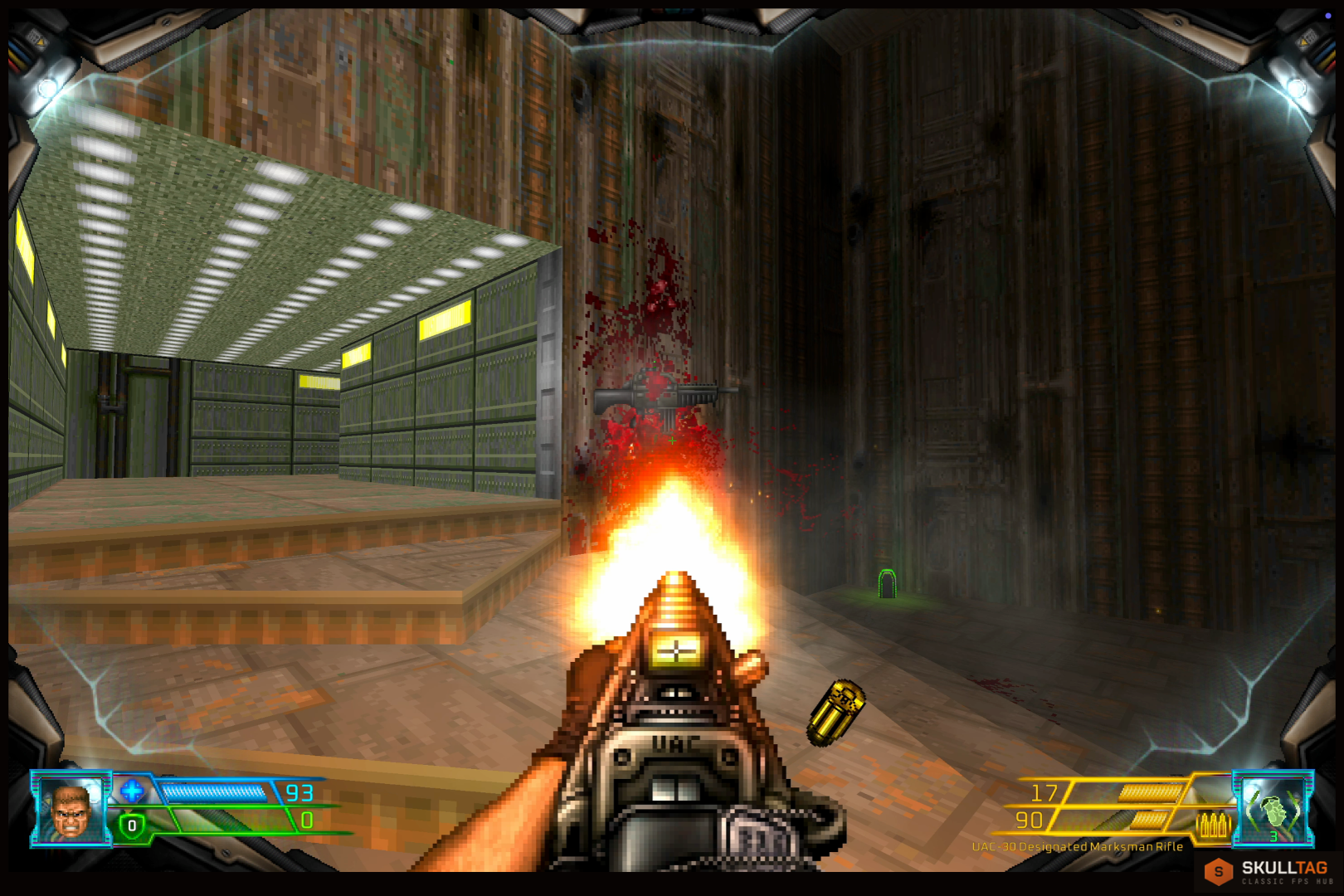
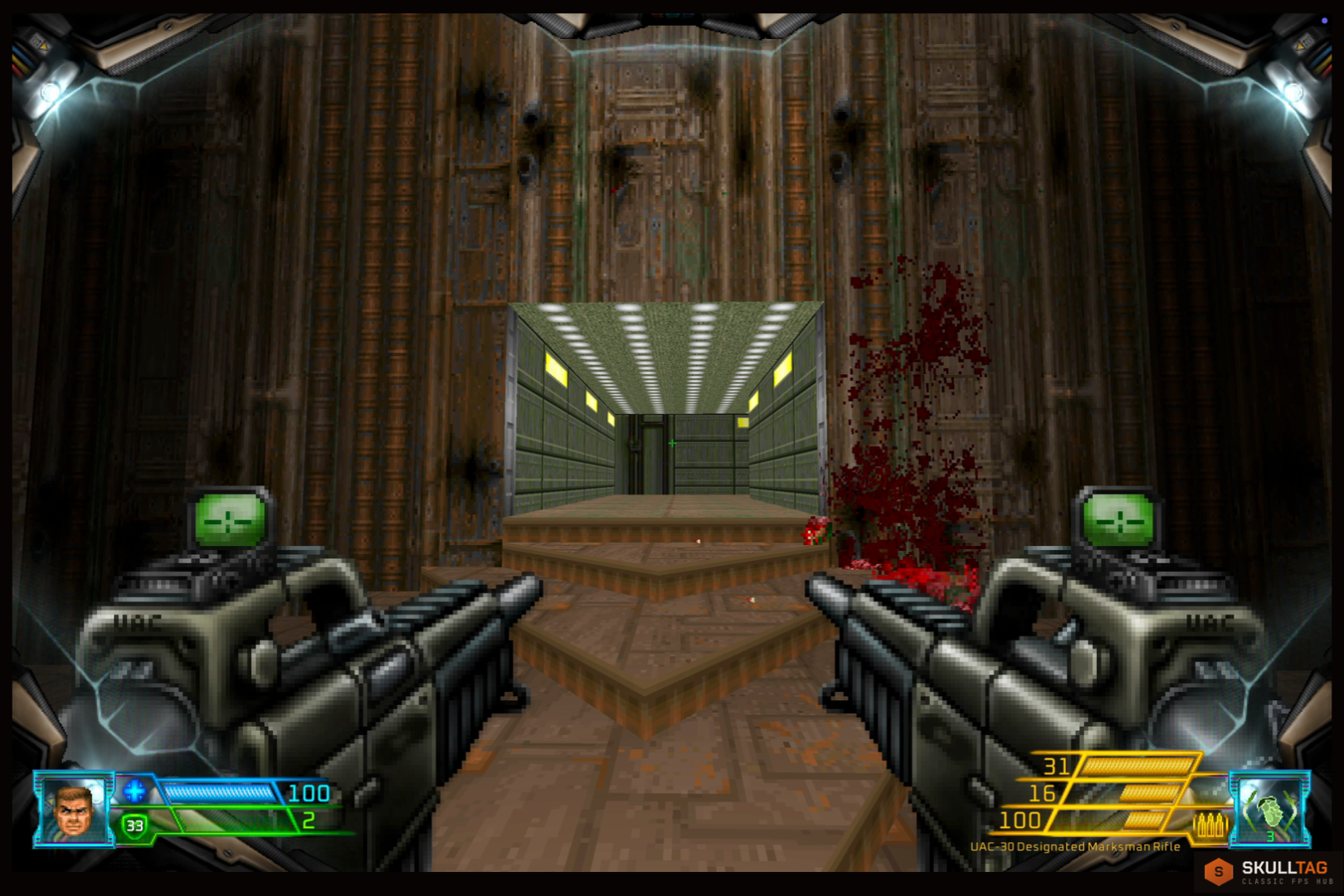
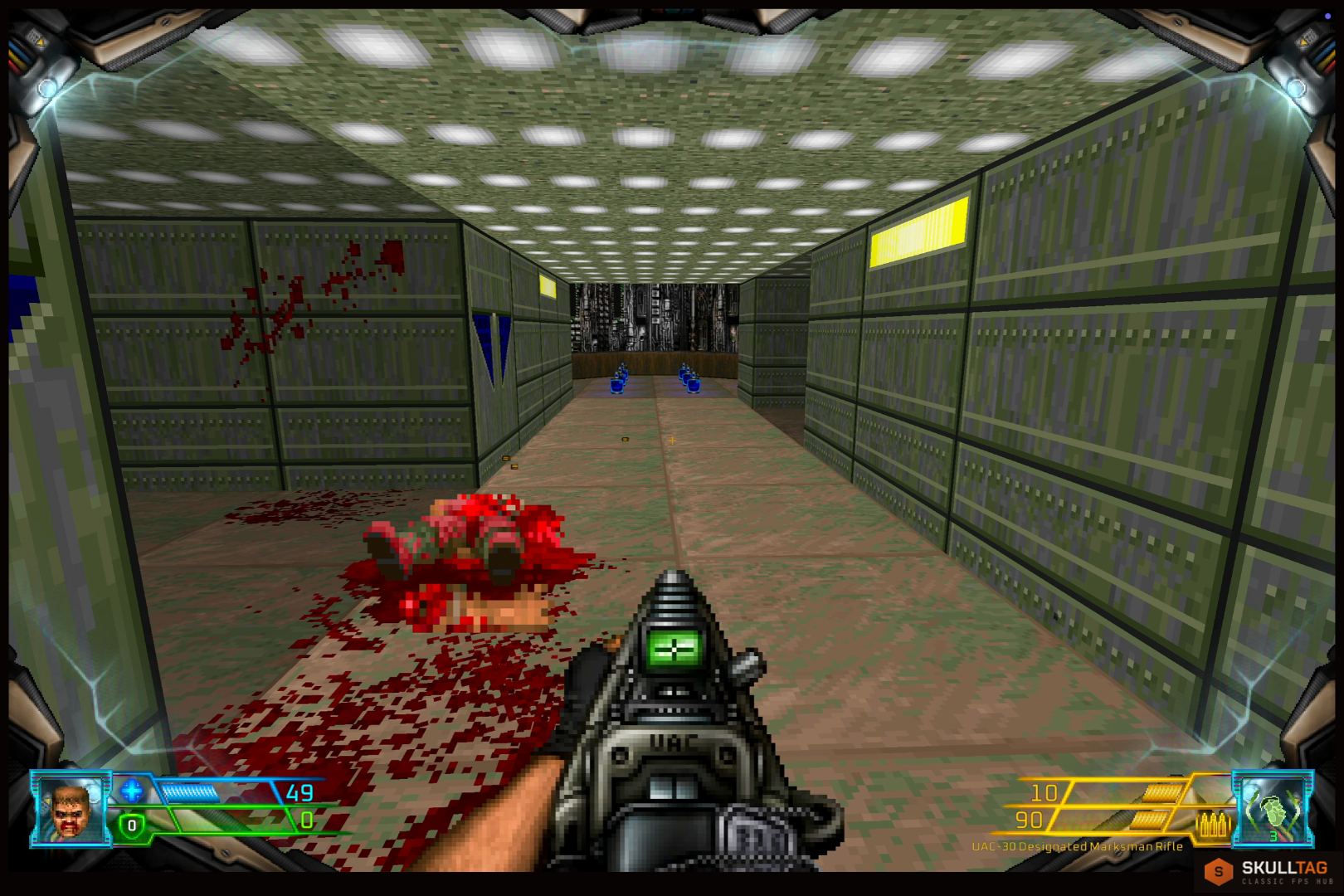
Weapons. Every classic weapon is overhauled, and more than a dozen custom weapons come on top. Most guns have a secondary fire and a weapon special that you pick from a weapon wheel, and some can be dual-wielded. Grenades come in three types: frag, stun and land mine. A Quick Launcher and the Demonic Leech complete the equipment. The motion blur on the weapon sprites is deliberate.
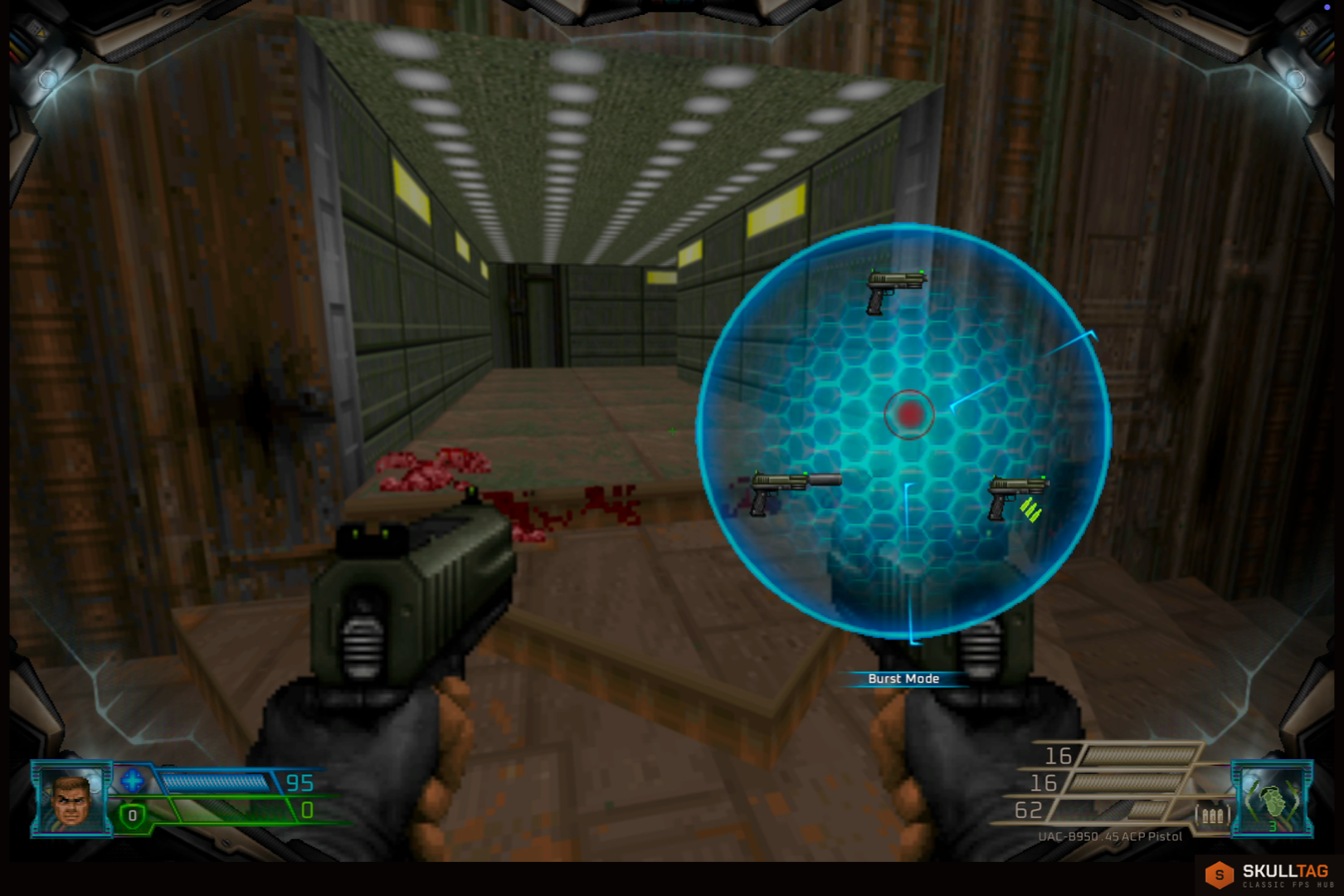
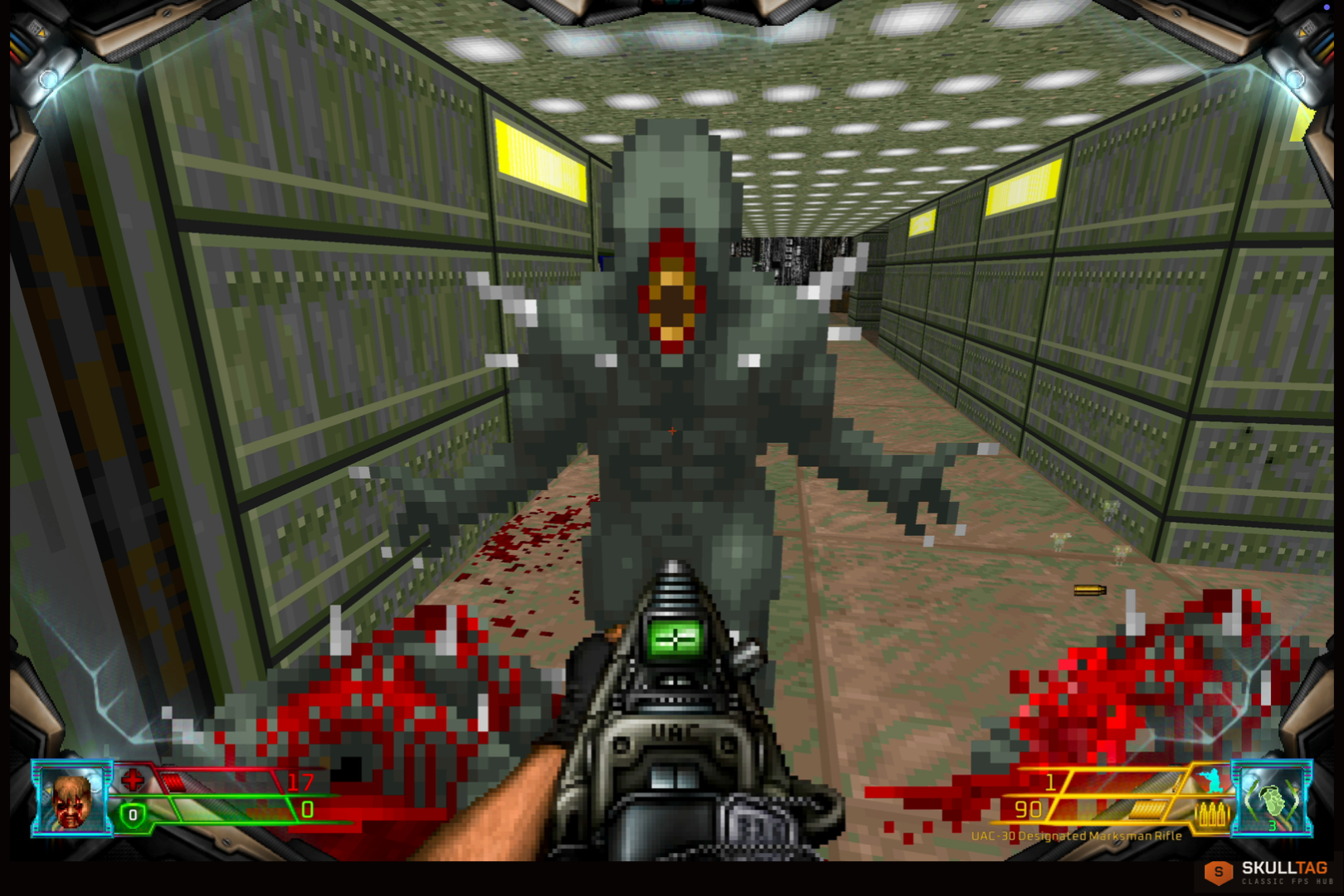
Enemies. Most classic monsters have two or more variants with extra strength, abilities or attacks, such as Savage Imps, Cyber Hell Knights, Juggernauts and Annihilators.
Movement. You can dash, double jump, grab ledges and slide, and there is a separate key for a quick melee attack.
Spawns. A spawn system decides which monsters, weapons and items appear, in four tiers that unlock as you progress. You can set the mapset length from 4 to 512 levels, in steps of 4, so the progression fits the map pack you play.
Best settings for a first run
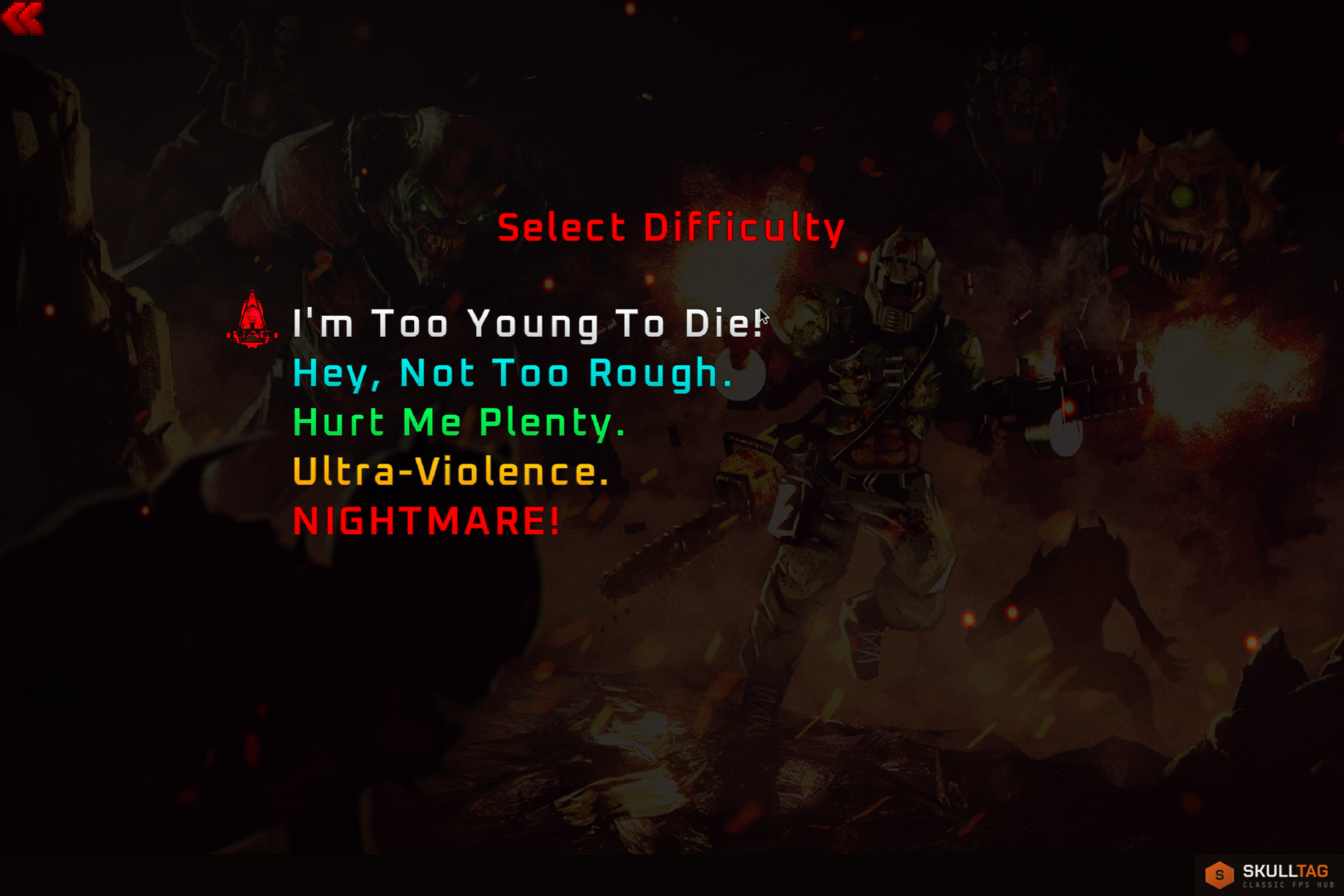
- Difficulty: Hurt Me Plenty is the baseline the mod is balanced around. Ultra-Violence adds 20% more damage and more aggressive monsters, and the team calls it the true Project Brutality experience for skilled players. I’m Too Young To Die halves enemy health and lets you respawn.
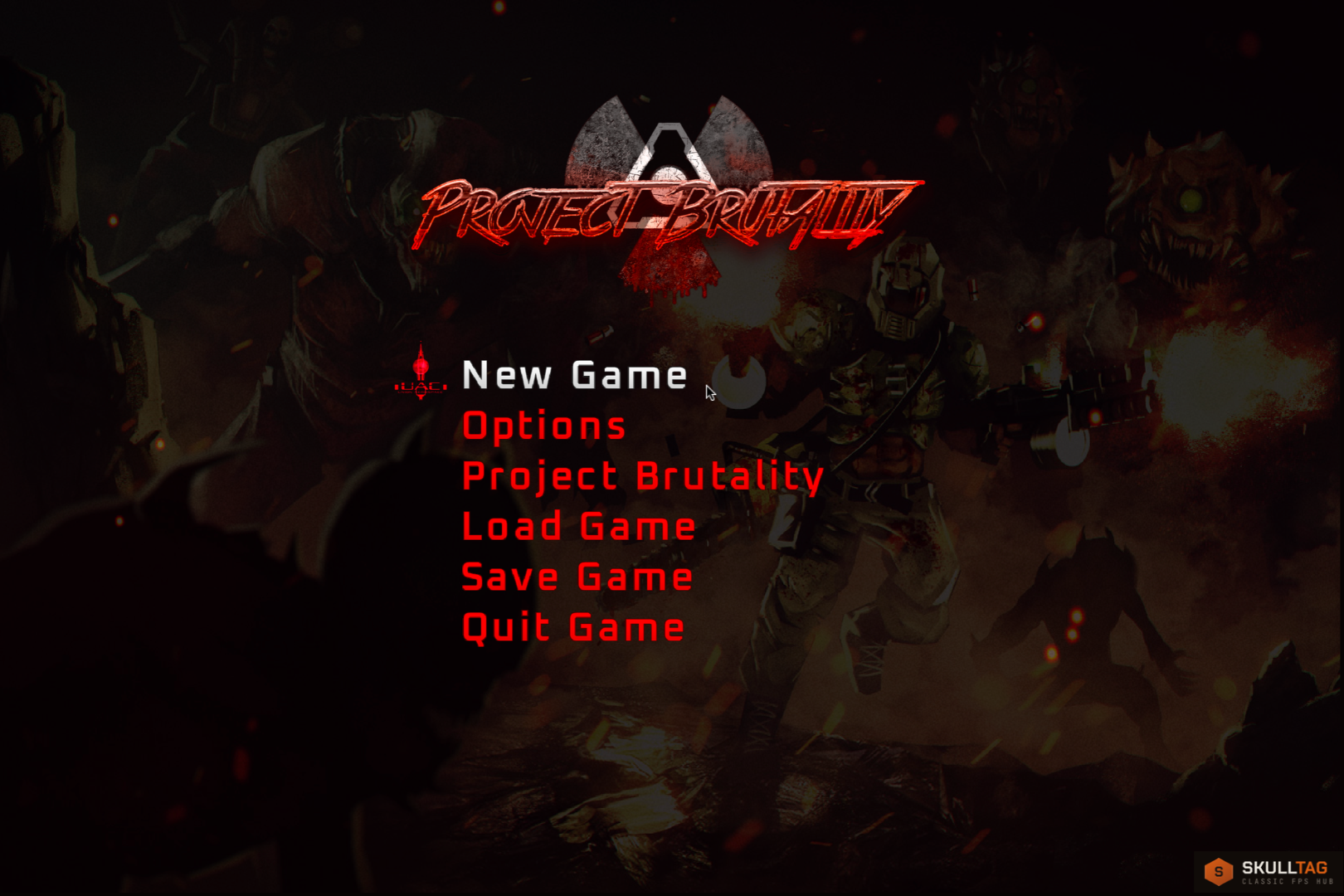
- Spawn mode: Dynamic Progression is the intended experience for the full games and megawads. Set it before you start a new game. Chaotic Random suits single maps, and Death Wish is the hardest mode.
- Levels in mapset: set it to the number of maps in what you play, for example 32 for Doom II.
Performance and common fixes
There are no official system requirements, but Project Brutality is heavy. The team warns that it can struggle on large maps with many monsters. If it stutters, use the key that clears gore, lower the gore settings, switch off texture filtering and lighting effects, remove texture mods, or try the OpenGL ES renderer.
- The HUD is missing: type
hud_althud 0andscreenblocks 11in the console. - The menu and logo overlap: switch off “Disable Clean Menu Scaling”.
- You cannot move, or it crashes after you hurt yourself: delete the port’s .ini file so it rebuilds its settings.
Add-ons, map packs and launchers
The team does not support add-ons. Many of them replace core files of the mod, so an update to Project Brutality can break them, and fixing that is up to the add-on’s author. If you use add-ons anyway, make sure they were built for the version you run.
The official load order is: the map pack first, then music, then Project Brutality, then add-ons, with HUD add-ons last. A launcher keeps this tidy, and the team recommends ZDL, DoomRunner and SSGL.
An official Project Brutality campaign, Project Black Mass, is in development. The team will focus on it once the mod itself is finished.
Playing on Android and iPhone
The team lists Delta Touch for Android and GenZD for iOS as ways to run Project Brutality on a phone. Both are paid apps from the same engine family as UZDoom and GZDoom, and you still need your own IWAD.
Highlights
- Reworked arsenal: every classic weapon overhauled, plus more than a dozen new weapons. Most have a secondary fire and a weapon special, and some can be dual-wielded.
- Enemy variants: most classic monsters get two or more stronger variants, and zombie soldiers throw grenades and take cover.
- New movement: dash, double jump, ledge grab, slide and a quick melee key.
- Dynamic spawns: four tiers of monsters, weapons and items, with a mapset length you can set from 4 to 512 levels.
- Equipment: frag, stun and land mine grenades, the Quick Launcher and the Demonic Leech.
- Reworked gore: rebuilt in the 0.3.0 alpha (June 2025), with colored blood back in 0.4.1.
Install
- Install UZDoom or GZDoom
Version 0.4.1 runs on UZDoom and on GZDoom 4.14.2. Newer development builds are made for the latest UZDoom. It does not run on Zandronum, because it uses ZScript.
- Get an IWAD
You need DOOM.WAD or DOOM2.WAD from a copy of Doom you own (Steam or GOG), or the free Freedoom Phase 1 and 2.
- Download Project Brutality
On GitHub, click Code and then Download ZIP on the master branch, which matches release 0.4.1. Keep the .zip as it is: the zip is the mod itself, so there is nothing to extract or rename.
- Load it
Drag the zip onto the port’s executable, or start it from the command line:
uzdoom -iwad doom2.wad -file Project_Brutality-master.zip. With a map pack, load the maps first, then Project Brutality, then add-ons; a launcher such as ZDL, DoomRunner or SSGL keeps this tidy.
Frequently asked questions
Is Project Brutality free?
Yes. The mod is a free download. You do need the game data from a copy of Doom or Doom II you own, or the free Freedoom Phase 1 and 2.
Is Project Brutality 3.0 the latest version?
No. 3.0 was the working name during the rewrite. The newest release is 0.4.1, from March 2026. Anything numbered 0.x is newer than the 3.0 test builds.
Does Project Brutality work with Zandronum?
No. Current versions use ZScript and other features that Zandronum does not support. Use UZDoom or GZDoom.
Should I play Brutal Doom or Project Brutality?
Brutal Doom if you want classic Doom with heavier guns and more gore. Project Brutality if you want more weapons, more enemy types and new movement.
Does Project Brutality work with Doom 1?
Yes. It supports both the Doom and the Doom II IWAD, and Freedoom Phase 1 and 2.
Can I play Project Brutality on Android or iPhone?
Yes. The team points to Delta Touch on Android and GenZD on iOS. You still need your own IWAD.
Why do my Project Brutality add-ons break?
Many add-ons replace core files of the mod. When Project Brutality updates, those files no longer match. Use add-ons made for your exact version, or play without them.
Is there an official Project Brutality campaign?
One is in development, called Project Black Mass, but it has no release date. The team will focus on it once the mod itself is finished.
What difficulty should I play Project Brutality on?
Hurt Me Plenty, the default, is the baseline the mod is balanced around. Skilled players can go for Ultra-Violence, which the team calls the true Project Brutality experience.