Key features
- Built-in WAD launcher — a smart, convenient launcher is included directly in the executable, detecting installed IWADs automatically.
- Vanilla, Boom, MBF & MBF21-compatible — supports the extensive catalog of classic and limit-removing Doom WADs, including those authored for the Boom, MBF, and MBF21 specifications.
- Software renderer — classic software-rendered Doom aesthetic, faithful to the original game's visual character.
- Single-developer authorship — maintained by Brad Harding with consistent design philosophy and detailed changelogs.
- SDL 2 foundation — built on SDL 2.32.10, enabling cross-platform source compilation for Linux and macOS in addition to the primary Windows target.
- Active release cadence — regularly updated with point releases addressing bug fixes and behavioral refinements, currently at v6.3.
- 64-bit Windows packaging — distributed as an official 64-bit Windows binary with no additional runtime installation required.
What is DOOM Retro?
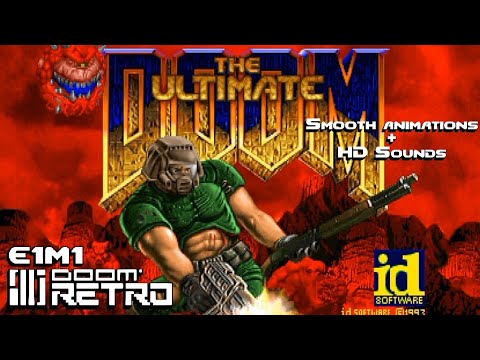
DOOM Retro is at its best when you want Doom to look and feel like Doom without making the setup process feel like it belongs in 1993. The software renderer preserves the character of the original game, while the built-in WAD launcher, higher-resolution presentation, and support for Vanilla, Boom, MBF, and MBF21 content remove much of the friction around playing modern community maps. It is a particularly satisfying middle ground: more polished and convenient than running the original executable, but far less interested in turning Doom into a completely different game. It is also Windows-first, single-player only, and doesn’t run GZDoom’s ZScript mods — which are deliberate scope choices, not oversights — and for that, it is among the highest-scoring, most polished classic-style ports we tested.
Origins and philosophy
DOOM Retro was created and is maintained by Brad Harding, who has shepherded the project through six major version lines. The project’s home is its GitHub repository, where development is conducted in the open and release notes are published for every version. The project is distributed under the GNU General Public License v3.0, placing it squarely in the tradition of open-source Doom ports that descend from id Software’s original code release.
Where many ports position themselves as platforms — extensible engines on which elaborate mods can be built — DOOM Retro positions itself as a destination. Harding’s vision, as expressed through the port’s design decisions, is to deliver the classic Doom and Doom II campaigns (and compatible WADs) in a form that is immediately playable, visually clean, and free of the rough edges that accumulate in software that is three decades old. This is not a port for pushing the engine to its limits; it is a port for experiencing the game at its most enjoyable.
Built-in WAD launcher
One of DOOM Retro’s most user-facing conveniences is its integrated WAD launcher. Rather than requiring players to navigate command-line arguments or configure a separate front-end utility, DOOM Retro ships with a launcher built directly into the executable. On first launch, the port attempts to detect existing Doom installations — including Steam copies — and pre-populates the IWAD field accordingly. This lowers the barrier to entry considerably for players who are not already familiar with the IWAD/PWAD distinction that is foundational to the Doom modding ecosystem.
The launcher presents a straightforward interface: select an IWAD, optionally add PWAD files, and launch. Configuration that in other ports might require editing INI files or memorizing command-line switches is surfaced in a graphical dialogue. For veteran players this may feel unremarkable, but for players returning to Doom after a long absence — or approaching source ports for the first time — it removes a significant stumbling block.
Platform support
DOOM Retro is developed and packaged primarily as a 64-bit Windows application. The official release artifacts distributed through the project’s GitHub releases page and the official website target Windows. The project’s wiki notes that the source code may also be compiled for Linux and macOS, though it explicitly states that “next to no support is provided” for those platforms — meaning they are community-maintained compilation targets rather than officially supported builds. Players on Linux or macOS seeking a polished out-of-box experience may find it more practical to use a port with active cross-platform maintenance, but the option to compile DOOM Retro on those systems exists for those willing to build from source.
The SDL (Simple DirectMedia Layer) library underpins DOOM Retro’s platform abstraction, with version 2.32.10 in use as of the project’s wiki documentation. SDL’s cross-platform nature is part of what makes non-Windows compilation feasible, even if it is not the focus of official packaging efforts.
Versioning and release cadence
DOOM Retro follows a conventional semantic versioning scheme. The latest release at time of writing is v6.3, published on August 8, 2026. The project has historically maintained an active release cadence, with point releases addressing bug fixes and minor behavioral refinements and major version bumps introducing more substantive changes. Release notes are detailed and candid — Harding’s changelogs read more like a developer’s log of considered decisions than a marketing summary, naming specific behaviors changed, edge cases addressed, and third-party library updates incorporated.
The Doomworld community forum thread dedicated to DOOM Retro serves as an ongoing discussion and bug-report venue alongside the GitHub issue tracker, and has accumulated years of community feedback that has shaped the port’s evolution.
Rendering and visual presentation
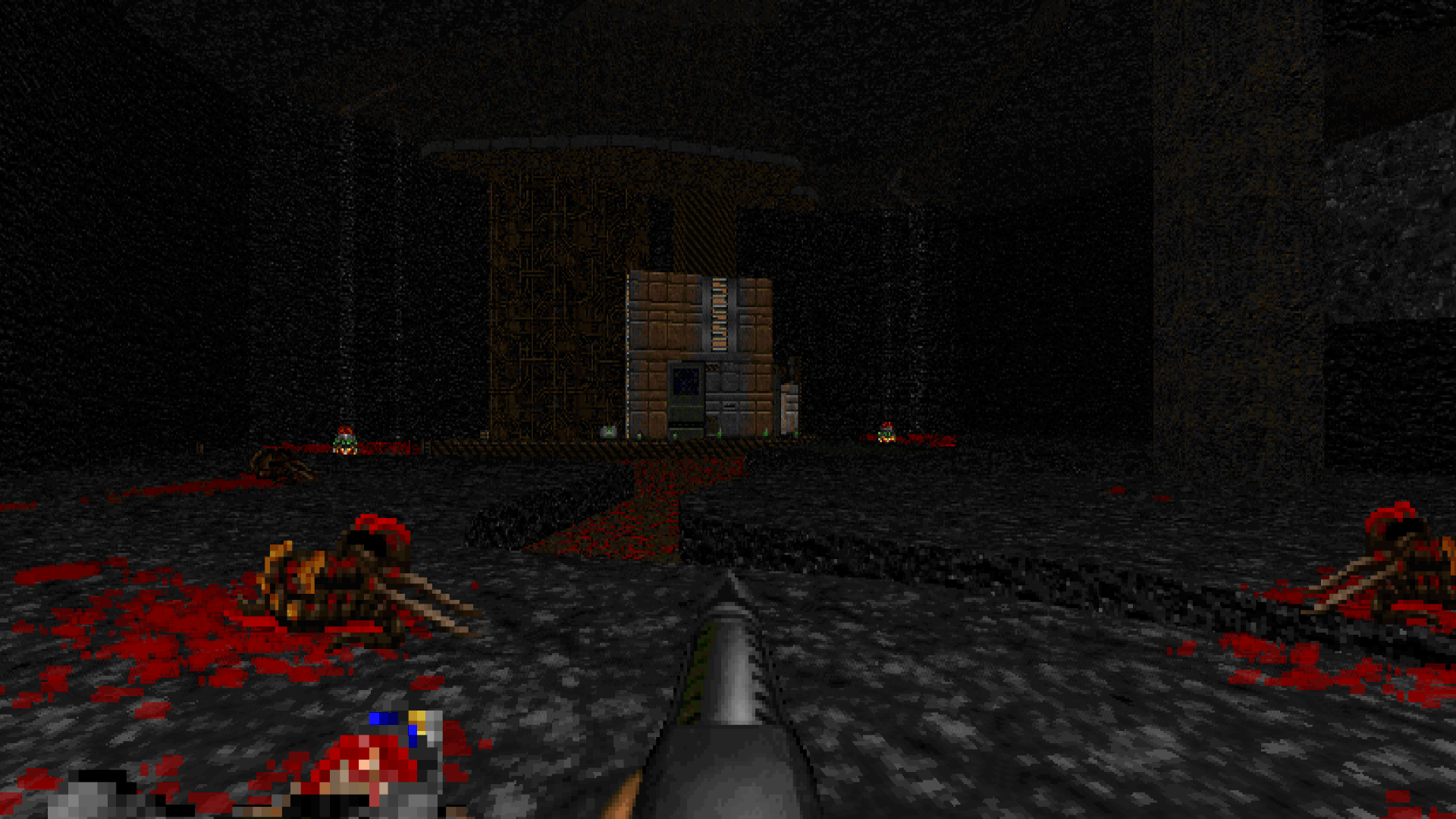
DOOM Retro uses a software renderer as its foundation, consistent with its origins as a Chocolate Doom derivative and its commitment to a classic visual presentation. Rather than defaulting to OpenGL upscaling or post-process filtering in the manner of more modern ports, it focuses on delivering the software-rendered Doom aesthetic cleanly and at high frame rates on contemporary hardware. The visual philosophy matches the overall design ethos: do not fundamentally alter what the game looks like, but make it look as good as it can within those constraints.
This approach means DOOM Retro will not render detailed 3D models, display dynamic lighting that was not in the original maps, or run Vulkan shaders. Players who want those capabilities are well-served by GZDoom and its derivatives. DOOM Retro’s audience is the player who wants Doom to look like Doom — sprite-based, sector-based, and immediate — without the visual noise of highly modified renderers.
Compatibility and mod support
DOOM Retro targets vanilla, limit-removing, Boom, MBF, and MBF21-compatible content. It supports the vast catalog of WADs built for the Boom specification and its derivatives, which encompasses the large majority of classic community maps created over the past thirty years. Players can load standard PWADs through the launcher or via command-line arguments in the conventional manner.
The port does not implement ZScript, DECORATE in its modern extended form, or the broader ACS/FraggleScript ecosystem associated with the ZDoom family. This is not an oversight — it is consistent with the port’s scope. DOOM Retro is not positioned as a modding platform; it is positioned as a polished way to play Doom and Doom II and the extensive library of compatible content that has accumulated around them. The trade-off is that content authored specifically for GZDoom or other modern ports will not be compatible, while the enormous back-catalog of classic WADs works as intended.
DOOM Retro is single-player only. There is no multiplayer support of any kind. Players looking for cooperative or deathmatch play over a source port should use Odamex, Zandronum, or GZDoom’s netplay instead.
Configuration and usability
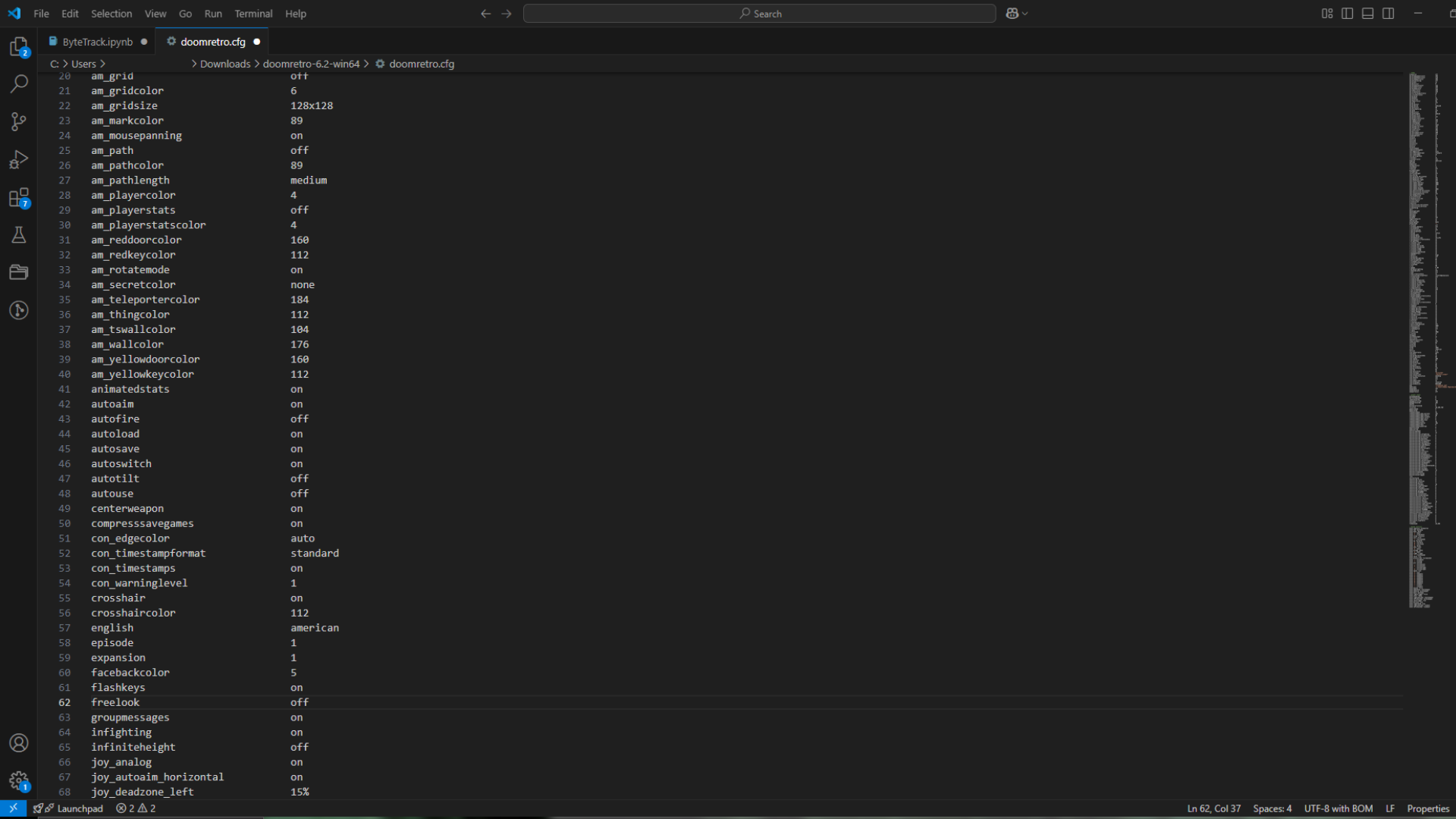
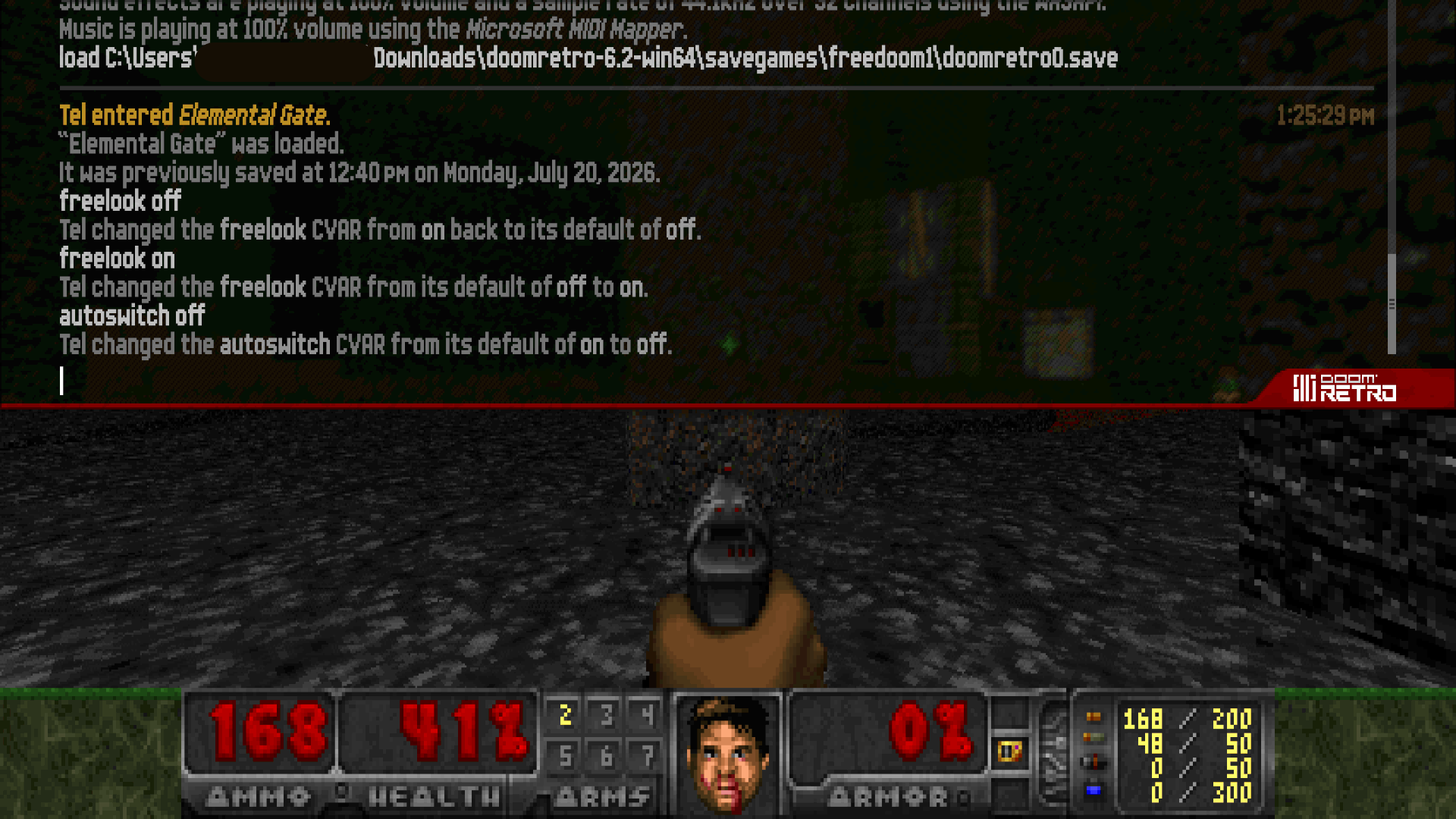
Beyond the WAD launcher, DOOM Retro surfaces a number of quality-of-life refinements. Configuration is handled through an INI-style file, and a range of settings are available for players who want to tune behavior. The project’s wiki serves as the primary documentation resource, covering installation, configuration options, known compatibility notes, and the SDL library version in use.
Harding’s approach to configuration reflects the same philosophy as the rest of the port: reasonable defaults that work for most players out of the box, with options available for those who want to adjust behavior, but without an overwhelming settings matrix that requires expert knowledge to navigate. The goal is that a player can download the port, point it at their IWADs, and be playing within minutes.
Community position
In community discussions comparing source ports — such as the video essay “A Subjective Look at Doom Source Ports in 2024” by Dwars circulating on YouTube — DOOM Retro is typically grouped with the classic-style ports (alongside Chocolate Doom, Crispy Doom, and Woof) rather than with the hardware-renderer modern ports. It occupies a specific position: more polished and user-friendly than the strict vanilla-faithful ports, but more conservative and classic-feeling than the expansive modern ports built around hardware rendering and advanced scripting.
This positioning makes DOOM Retro a natural recommendation for players who have outgrown Chocolate Doom’s strict vanilla constraints but do not need or want the full feature set of GZDoom. It is a “Goldilocks” port for a specific kind of Doom player: someone who wants the classic game to feel complete and polished without feeling like a different game.
Development transparency
One characteristic of DOOM Retro that distinguishes it from some community ports is the degree of authorial transparency. Because the project is maintained primarily by a single developer, design decisions are consistent and traceable. The GitHub repository’s wiki, edited by Harding directly, functions as both a user guide and a statement of intent. The changelog entries reflect a developer who thinks carefully about each behavioral change and is willing to revert or re-examine decisions when community feedback identifies problems.
This single-maintainer model has trade-offs — the pace of development depends on one person’s availability, and the port’s scope is necessarily shaped by one person’s preferences — but it also produces a coherent product with a clear identity. DOOM Retro does not feel like a port designed by committee or pulled in multiple directions by competing priorities. It feels like someone’s considered answer to the question: “How should classic Doom be played in the present day?”
Related ports
Players interested in DOOM Retro may also want to evaluate other ports in the Boom-compatible and classic-style space. Crispy Doom and Chocolate Doom occupy the more vanilla-faithful end of the spectrum, prioritizing strict compatibility over usability refinements. Woof and DSDA-Doom serve players who want Boom compatibility with a stronger emphasis on demo recording and playback accuracy. PrBoom-Plus is a historical predecessor in the Boom-lineage space. For players who want hardware rendering and advanced modding capabilities, GZDoom is the dominant choice in the modern port category.
DOOM Retro’s specific niche — classic feel, Windows-first, user-friendly launcher, polished defaults — is distinct enough that it is genuinely complementary rather than redundant with most of these alternatives. A player’s choice between DOOM Retro and, say, Woof or Crispy Doom will often come down to personal aesthetic preference and whether demo compatibility matters to them.
IWAD requirement
Like all Doom source ports, DOOM Retro requires an IWAD to function — the game data file distributed with purchased copies of Doom, Doom II, or related titles. The port does not ship with or bundle any commercial game data. Players who own Doom or Doom II through Steam can direct DOOM Retro’s launcher to the appropriate WAD files from their Steam installation. Freedoom’s free IWADs are also compatible for players who do not own a commercial copy.
How to install DOOM Retro
// From zero to playing — step by stepDownload DOOM Retro
Visit the official DOOM Retro website or the GitHub Releases page and download the latest 64-bit Windows release (v6.3).
Obtain an IWAD
DOOM Retro requires an IWAD (game data file) such as doom.wad or doom2.wad from a purchased copy of Doom or Doom II. These can be sourced from a Steam installation or other legitimate purchase. Freedoom IWADs are also compatible.
Launch and configure
Run the DOOM Retro executable. On first launch, the built-in WAD launcher will attempt to detect installed Doom IWADs automatically. Select the desired IWAD in the launcher’s File name field, optionally add any PWAD files, then click the launch button to begin playing.
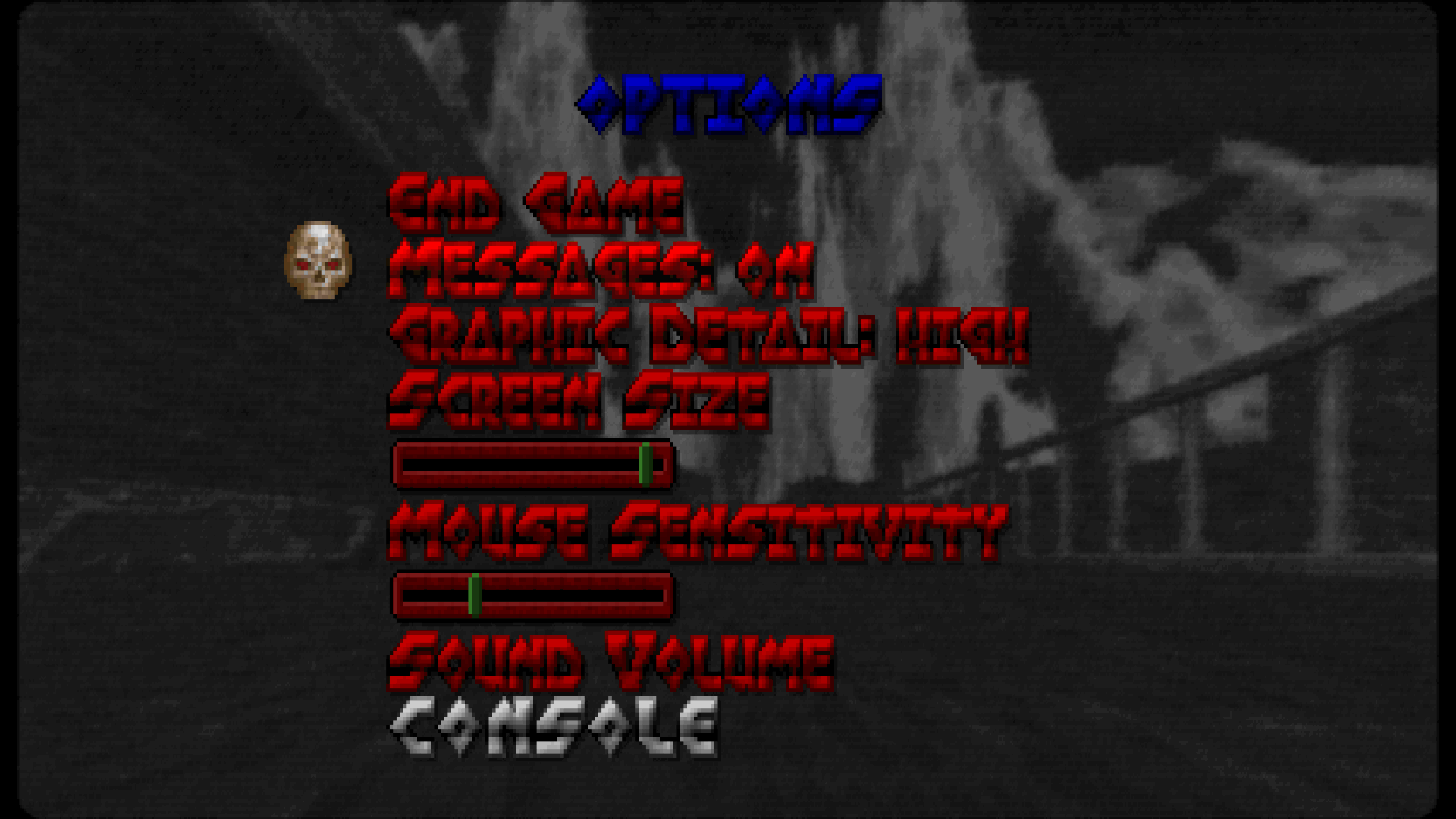
DOOM Retro system requirements
DOOM Retro vs other source ports
Need to pick between ports?
Short version: DOOM Retro handles most needs. For the full comparison and our ranked list, see the dedicated pages.
Frequently asked questions
Does DOOM Retro run on Linux or macOS?
Officially, DOOM Retro is packaged and supported as a Windows application. However, the project’s wiki notes that the source code may be compiled for Linux and macOS, though “next to no support is provided” for those platforms. Players on Linux or macOS who want a fully supported port should consider alternatives such as Crispy Doom or GZDoom.
What IWADs are compatible with DOOM Retro?
DOOM Retro works with standard Doom-engine IWADs including doom.wad, doom2.wad, and compatible titles. The built-in launcher auto-detects IWADs from Steam installations. Freedoom’s free IWADs are also supported.
Can I play GZDoom mods in DOOM Retro?
No. DOOM Retro does not implement ZScript, advanced DECORATE, or the ACS extensions associated with the ZDoom/GZDoom family. Content authored specifically for GZDoom will not be compatible. DOOM Retro targets the vanilla/limit-removing/Boom/MBF/MBF21-compatible WAD ecosystem, which covers the vast majority of classic community maps.
Is DOOM Retro suitable for demo recording and playback?
No. DOOM Retro does not support demo recording or playback at all. It was disabled because the port’s added features cause demos to de-sync. Players who want demo recording or vanilla-accurate demo playback should use DSDA-Doom or Crispy Doom instead.
Where can I find the DOOM Retro changelog?
Detailed changelogs are published on the official DOOM Retro website and on the GitHub Releases page for each version.
Does DOOM Retro support multiplayer?
No. DOOM Retro is a single-player-only source port with no multiplayer functionality.
Sources
- EXT DOOM Retro Official Website www.doomretro.com
- EXT DOOM Retro GitHub Wiki github.com
- EXT DOOM Retro v6.3 GitHub Release github.com
- EXT DOOM Retro LICENSE.md (GPL-3.0) github.com
- EXT DOOM Retro v6.3 Doomworld Thread www.doomworld.com